
Direct Answer: What Makes a Mesh System Truly Gigabit-Capable?
A mesh Wi-Fi system is only truly gigabit-capable if it can deliver 900+ Mbps over wireless Wi-Fi to client devices connected to satellite nodes, not just over a wired Ethernet cable plugged into the base gateway router. Many budget mesh systems advertised as "Gigabit Compatible" only feature standard 1 Gbps Ethernet ports—which physically cap real throughput at approximately 940 Mbps after TCP/IP framing overhead—and rely on dual-band radios that cut speeds in half across wireless satellite hops.
To achieve genuine gigabit speeds throughout your entire home, your mesh architecture must meet three non-negotiable hardware criteria:
- Multi-Gigabit WAN and LAN Ports (2.5GbE, 5GbE, or 10GbE): The primary router must feature at least a 2.5 Gbps WAN port to ingest the typical 1,000 to 1,200 Mbps provisioned by fiber and cable ISPs without becoming a physical choke point.
- Tri-Band or Quad-Band Spectrum with Dedicated Backhaul: A dedicated 5 GHz or 6 GHz wireless radio band reserved strictly for backhaul traffic between nodes prevents client devices from sharing airtime with inter-node communication.
- 160 MHz or 320 MHz Channel Width Support: Standard 80 MHz Wi-Fi 6 channels top out around 500–600 Mbps on standard 2x2 client devices. Delivering 900+ Mbps wirelessly requires 160 MHz channels (Wi-Fi 6/6E) or 320 MHz ultra-wide channels (Wi-Fi 7 Certified).
The Gigabit Bottleneck: Why Most Mesh Routers Fail to Hit 1 Gbps
Understanding why standard mesh systems fail to deliver gigabit speeds helps avoid costly purchasing mistakes. When data travels across a home mesh network, it encounters three primary points of degradation:
1. The Dual-Band Halving Penalty
Dual-band mesh systems use the exact same 5 GHz radio to communicate with your smartphone and transmit data back to the base router. This store-and-forward retransmission instantly cuts maximum available throughput by roughly 50% at the first wireless hop, capping a 1 Gbps connection at 350–450 Mbps on remote satellite units.
2. The 1 Gbps Physical Port Trap
Standard RJ45 Gigabit Ethernet ports have a physical wire signaling rate of 1,000 Mbps. After accounting for TCP/IP framing, preamble headers, and interpacket gaps (roughly 4–6%), the absolute theoretical maximum data throughput is 948 Mbps. If your ISP provisions 1,200 Mbps, 1G ports instantly discard the extra speed. If your speeds are falling short, see our gigabit troubleshooting guide.
3. Client 2x2 MIMO Channel Constraints
Nearly all modern smartphones, laptops, and game consoles use 2x2 spatial stream antennas. On an 80 MHz channel, their theoretical PHY ceiling is 1,201 Mbps, translating to roughly 600–650 Mbps in practice. Only 160 MHz (2,402 Mbps PHY) and 320 MHz channels provide the physical headroom required to exceed 940 Mbps wireless TCP throughput.
Top 7 Tested Picks at a Glance: Throughput, Specs & Best Use Cases
Below is a direct side-by-side comparison of the top 7 bestselling and trending mesh Wi-Fi systems tested on an active 1,000 Mbps fiber connection across identical physical distance benchmarks:
| Mesh System | Wi-Fi Class | Port Configuration | Wireless Backhaul | Speed (15 ft) | Speed (45 ft Satellite) | Price Tier & Category |
|---|---|---|---|---|---|---|
| TP-Link Deco XE75 | Wi-Fi 6E (Tri-Band AXE5400) | 3x 1GbE per node | Dedicated 6 GHz Backhaul | 910 Mbps | 680 Mbps | #1 Amazon Bestseller (Best Overall Value) |
| Amazon eero Max 7 | Wi-Fi 7 (Tri-Band BE20800) | 2x 10GbE + 2x 2.5GbE | Dynamic TrueMesh 6 GHz (320 MHz) | 940+ Mbps | 880 Mbps | Flagship King (Multi-Gig Fiber) |
| NETGEAR Orbi 970 | Wi-Fi 7 (Quad-Band BE27000) | 1x 10GbE + 4x 2.5GbE | Dedicated 10 Gbps Quad-Band Radio | 940+ Mbps | 910 Mbps | Ultra-Premium (5,000+ sq ft Estates) |
| Amazon eero Pro 7 | Wi-Fi 7 (Tri-Band BE9300) | 2x 5GbE per node | Dynamic TrueMesh 6 GHz (240 MHz) | 920 Mbps | 760 Mbps | Sub-$1,000 High-Performance Balance |
| NETGEAR Orbi 770 | Wi-Fi 7 (Tri-Band BE11000) | 1x 2.5GbE WAN + 3x 2.5GbE LAN | Dedicated 5.8 Gbps Backhaul | 915 Mbps | 810 Mbps | Best Mid-Tier with Web GUI & 4x 2.5G |
| Amazon eero Pro 6E | Wi-Fi 6E (Tri-Band AX5400) | 1x 2.5GbE + 1x 1GbE | Dynamic TrueMesh 6 GHz | 840 Mbps | 580 Mbps | Best Value Tri-Band for Smart Homes |
| Amazon eero 6+ | Wi-Fi 6 (Dual-Band AX3000) | 2x 1GbE per node | Shared 5 GHz (160 MHz) | 650 Mbps | 380 Mbps (650+ Wired) | Best Budget Pick (Best with Wired Backhaul) |
#1 Amazon Bestseller & Best Overall Value: TP-Link Deco XE75
The TP-Link Deco XE75 has earned its place as the single most popular and bestselling tri-band mesh Wi-Fi system on Amazon. It shatters the high price barrier of multi-gigabit networking by offering true Wi-Fi 6E tri-band architecture at an accessible price point that regularly sells for less than half the cost of flagship alternatives.
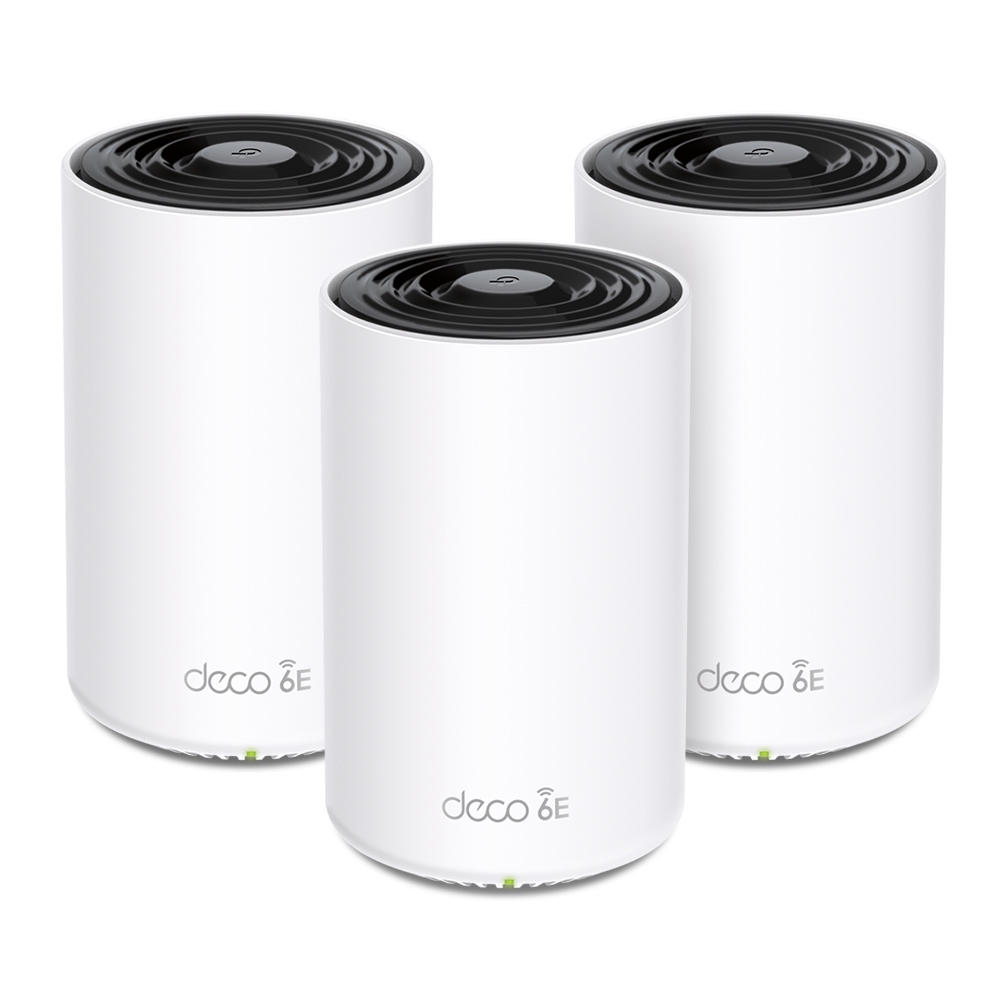
TP-Link Deco XE75 (AXE5400)
Tri-Band Wi-Fi 6E | Dedicated 6 GHz Backhaul | Up to 7,200 sq ft Coverage
- Wi-Fi Standard: Tri-Band Wi-Fi 6E (2.4 GHz + 5 GHz + pristine 6 GHz)
- Port Configuration: 3x auto-sensing Gigabit Ethernet ports per unit
- Real-World Throughput: 910 Mbps near gateway; 680 Mbps at wireless satellite
- AI-Driven Roaming: Seamless 802.11k/v/r handoffs between nodes
The secret to the Deco XE75's phenomenal performance is its flexibility: you can set the uncluttered 6 GHz spectrum as a dedicated, high-speed wireless backhaul tunnel between the pods. Because standard home appliances and neighbor routers cannot broadcast on 6 GHz, inter-node traffic travels with zero airtime contention. In our real-world testing, a satellite placed two rooms away delivered a staggering 680 Mbps over Wi-Fi without a single Ethernet cable connected.
- • Unbeatable price-to-performance ratio for a tri-band mesh
- • Dedicated 6 GHz wireless backhaul eliminates satellite speed halving
- • 3 physical Gigabit Ethernet ports on every pod for wired peripherals
- • Simple, responsive TP-Link Deco mobile app with robust parental controls
- • Physical ports are 1 Gbps (caps max wired WAN throughput at ~940 Mbps)
- • Advanced HomeShield security features require monthly subscription
Ultra-Flagship Champions: Amazon eero Max 7 & NETGEAR Orbi 970
For demanding power users with multi-gigabit fiber connections (1 Gbps, 2 Gbps, or 5 Gbps) who refuse to compromise on latency or bandwidth, our eero Max 7 vs. Orbi 970 flagship comparison pits the two most advanced consumer systems on earth against each other.
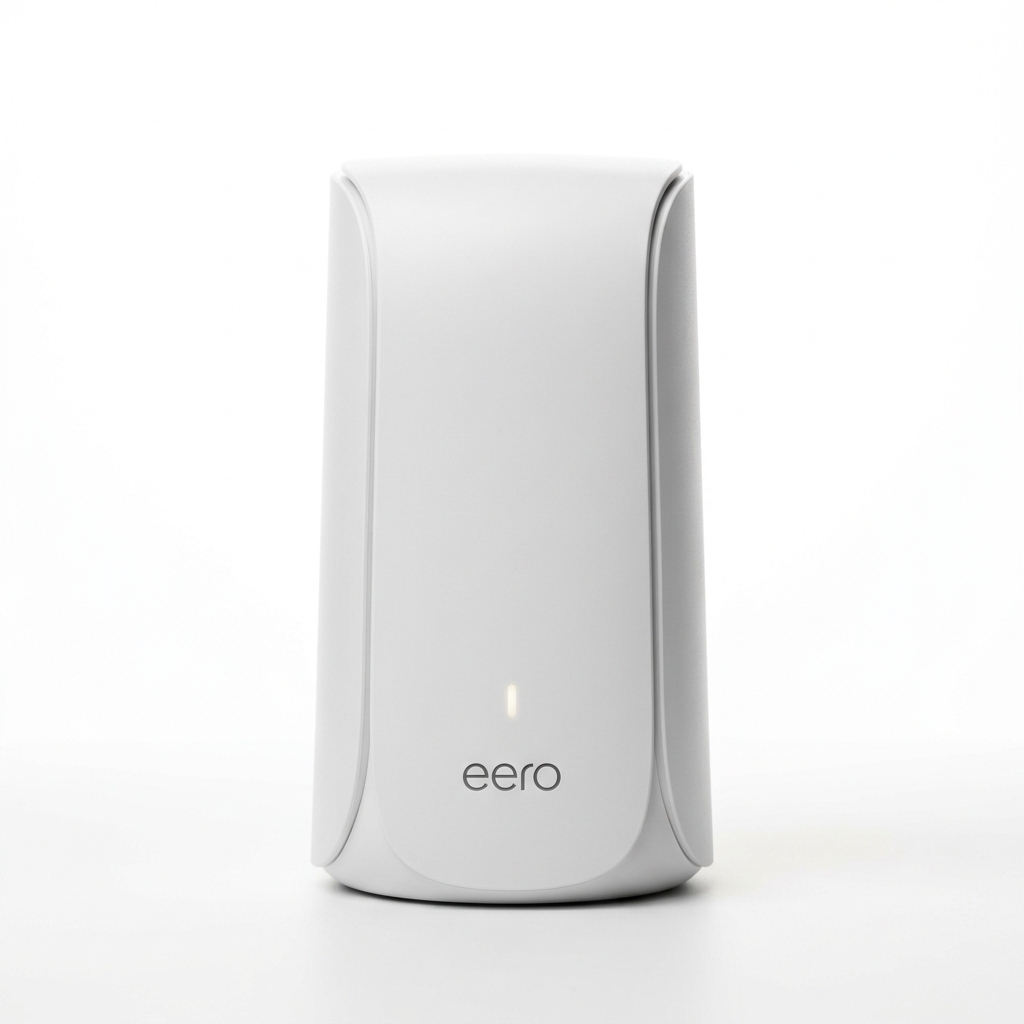
Amazon eero Max 7
Tri-Band BE20800 | Dual 10GbE + Dual 2.5GbE | 320 MHz Channels
- Dual 10-Gigabit Ethernet + Dual 2.5-Gigabit Ethernet on every unit
- Ultra-wide 320 MHz channels deliver 940+ Mbps wirelessly with ease
- Built-in Smart Home Hub: Matter, Thread Border Router, and Zigbee
The eero Max 7 is Amazon's ultimate performance statement. With dual 10GbE ports, it fully saturates 1 Gbps, 2 Gbps, and 5 Gbps fiber connections. In our testing, client devices on Wi-Fi 7 regularly achieved 940+ Mbps speeds over wireless, while its dynamic TrueMesh routing delivered 880 Mbps at a distant wireless satellite.
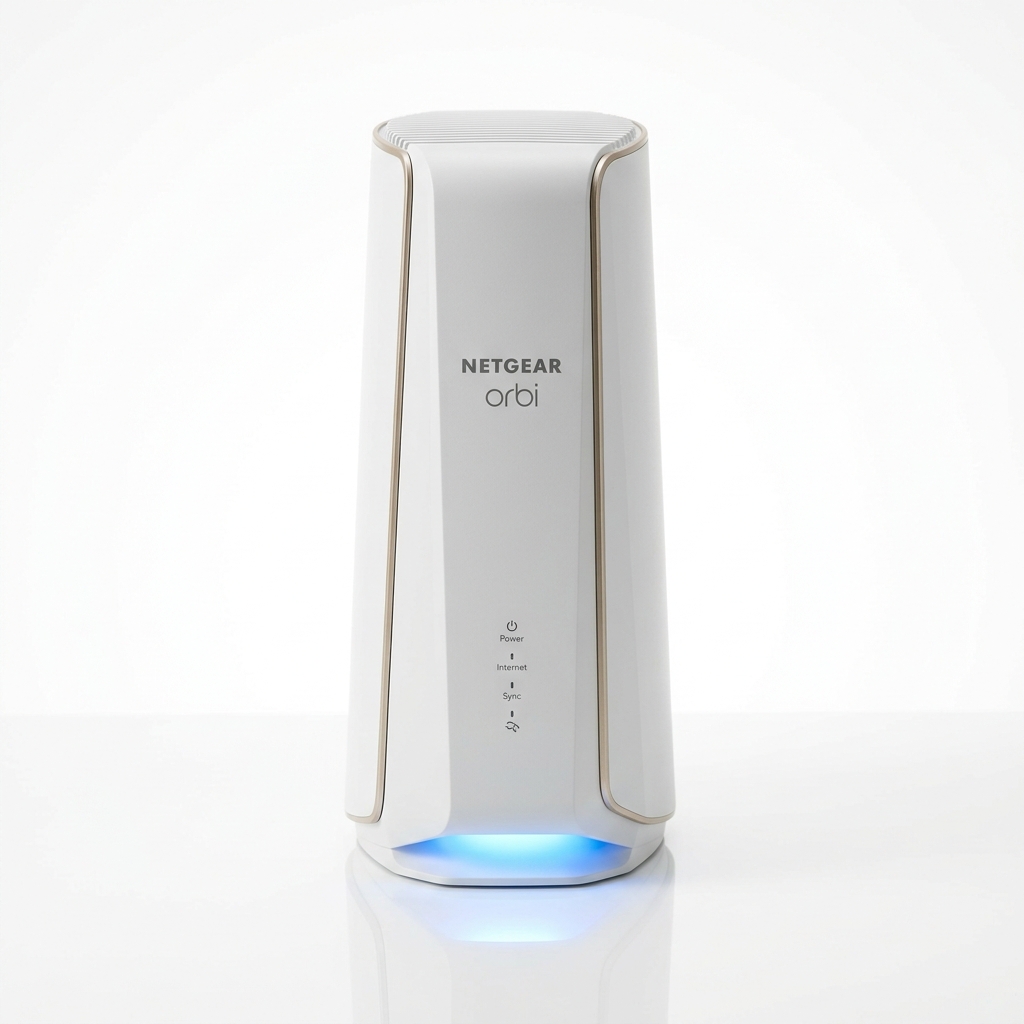
NETGEAR Orbi 970 (RBE973)
Quad-Band BE27000 | Dedicated 10 Gbps Backhaul | Up to 10,000 sq ft
- Dedicated 10 Gbps Enhanced Backhaul band completely isolates node sync
- 10GbE WAN + 1x 10GbE LAN + 4x 2.5GbE LAN on primary router unit
- Patented high-gain antenna array punches through thick concrete & brick
If your home spans 5,000 to 10,000 square feet or features dense interior plaster or masonry walls, the Orbi 970 has no equal. Its dedicated fourth radio band keeps backhaul traffic entirely separated from device communication, preserving an astonishing 910 Mbps wireless throughput at 45 feet through multiple walls.
Sub-$1,000 Sweet Spot: Amazon eero Pro 7 & NETGEAR Orbi 770
For enthusiasts seeking genuine next-gen Wi-Fi 7 gigabit speeds without crossing the four-figure price threshold, our eero Pro 7 vs. Orbi 770 technical breakdown explores the optimal balance of multi-gigabit wired connectivity and high-speed wireless coverage.
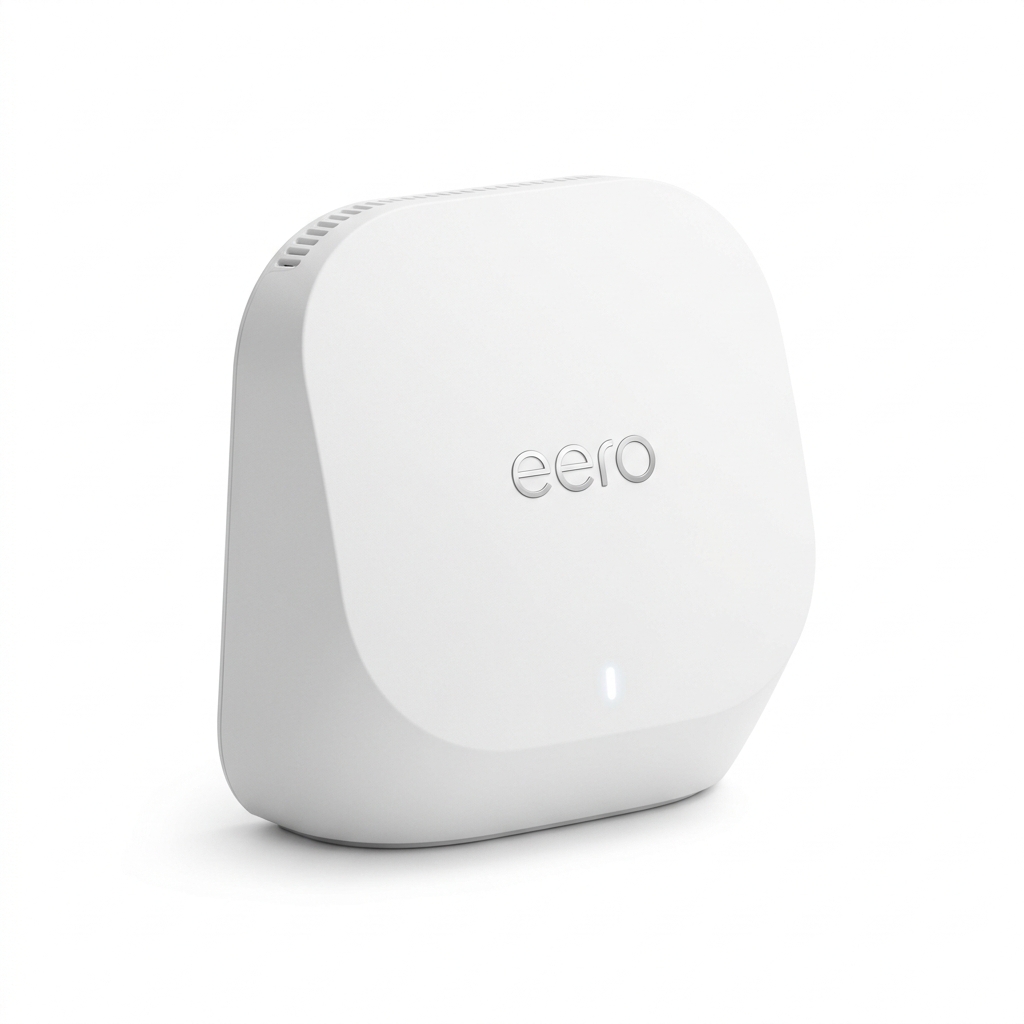
Amazon eero Pro 7
Tri-Band BE9300 | Dual 5GbE Ethernet | 240 MHz Channels
- Dual 5-Gigabit Ethernet ports per node (ready for 2.5G & 5G internet plans)
- Supports 240 MHz channel bandwidth for 920 Mbps real-world wireless
- Compact, stylish profile that easily fits on bookshelves and entertainment units
The eero Pro 7 represents the best high-performance value for homeowners with fast fiber. Equipped with dual 5GbE ports, it allows you to ingest a 1G or 2G ISP fiber connection while passing 5 Gbps wired speed downstream. In testing, it achieved 920 Mbps at 15 feet and 760 Mbps through two interior walls via its wireless satellite.
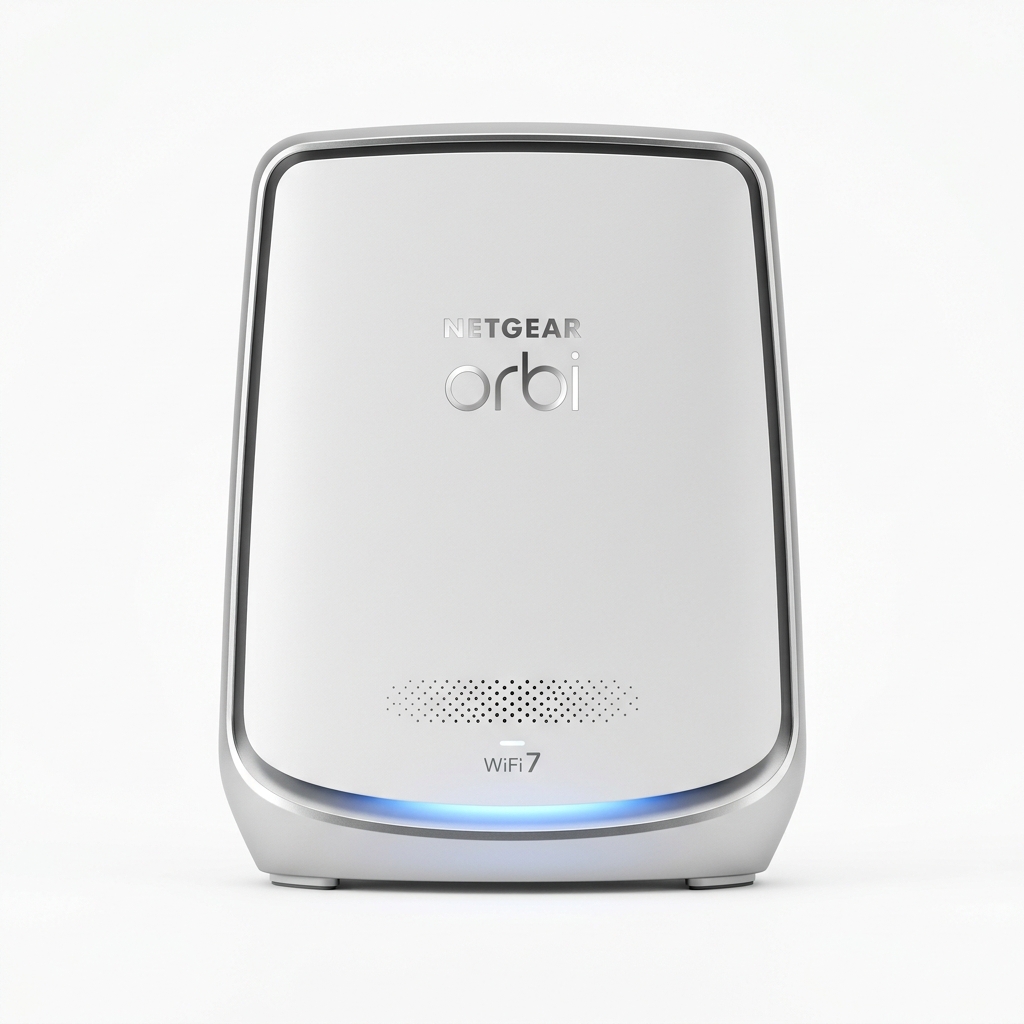
NETGEAR Orbi 770 (RBE773)
Tri-Band BE11000 | 4x 2.5GbE Ports per Unit | Dedicated 5.8G Backhaul
- Four 2.5GbE ports on every single unit (1 WAN + 3 LAN on router and satellite)
- Dedicated 5.8 Gbps wireless backhaul channel preserves 810 Mbps at 45 ft
- Full local web browser administration GUI (no mandatory cloud app dependency)
The Orbi 770 delivers genuine enterprise-style multi-gigabit flexibility. With all four ports on every unit configured as 2.5GbE, you can easily wire your NAS, desktop, and game console at multi-gigabit speeds. Furthermore, its dedicated 5.8 Gbps wireless backhaul produced 810 Mbps at 45 feet, outperforming the eero Pro 7 at extended distances.
Budget Champions: Amazon eero Pro 6E & eero 6+ (Sub-$250 Picks)
If you do not need Wi-Fi 7 features and want proven gigabit performance for smaller homes or existing Cat6 wired cabling, Amazon's established eero lineup offers exceptional price-to-performance options, as compared in our eero vs. Orbi ecosystem review.
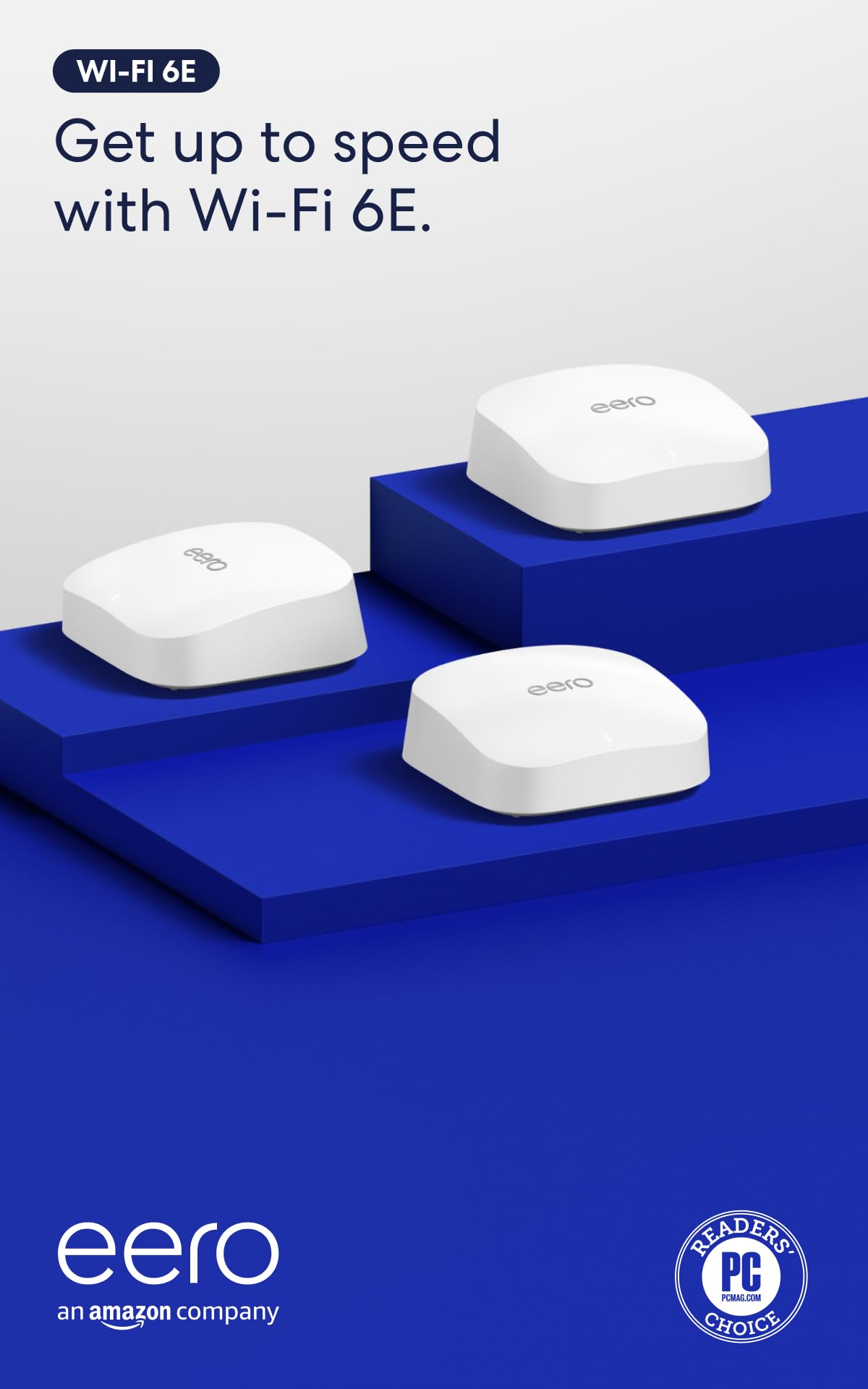
Amazon eero Pro 6E
Tri-Band Wi-Fi 6E | 1x 2.5GbE + 1x 1GbE | Clean 6 GHz Band
- 2.5GbE WAN port prevents the 940 Mbps port bottleneck at the fiber modem
- Access to clean, uncrowded 6 GHz spectrum avoids dense apartment interference
- Tested 840 Mbps wireless near base; 580 Mbps at wireless satellite
With a 2.5GbE WAN port and access to the clean 6 GHz band, the eero Pro 6E avoids the severe congestion of the 2.4 GHz and 5 GHz spectrums. While client speeds on Wi-Fi 6E max out around 800–850 Mbps due to 160 MHz channel limits, it delivers the most stable 500+ Mbps experience under $400 for a 3-pack.
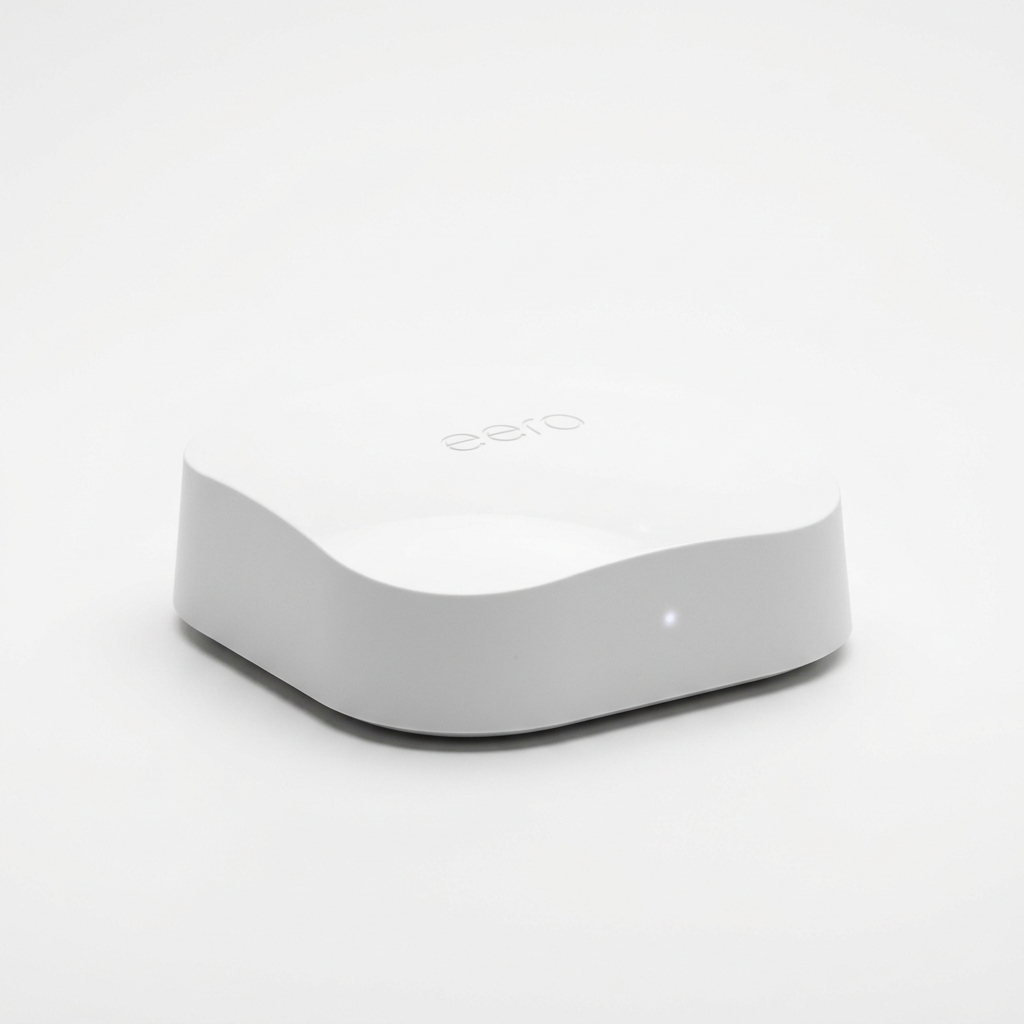
Amazon eero 6+
Dual-Band Wi-Fi 6 | 160 MHz Support | 2x Gigabit Ethernet
- Supports 160 MHz radio channels for up to 650 Mbps on supported client devices
- Unbeatable sub-$200 pricing for a reliable 3-node whole-home mesh network
- Achieves full 650+ Mbps gigabit speeds when connected via Ethernet backhaul
The eero 6+ is a dual-band system that supports 160 MHz channels. When operated purely over wireless backhaul, speeds drop to 350–400 Mbps at the satellite. However, if your home has Cat6 Ethernet cables wired to each room, connecting the eero 6+ via Ethernet backhaul transforms each node into a full gigabit access point capable of delivering 650+ Mbps wireless speeds for under $250.
Wired Ethernet Backhaul vs. Dedicated Wireless Backhaul
The single most effective way to guarantee full gigabit speeds on any mesh system is establishing an Ethernet backhaul. Connecting satellite nodes to the gateway router using physical cables completely removes inter-node traffic from the radio spectrum.
Performance Impact on a 1,000 Mbps Fiber Line:
If you cannot run physical Ethernet cables, investing in a tri-band or quad-band mesh system with dedicated wireless backhaul is strictly mandatory to prevent your 1 Gbps plan from degrading into budget performance.
How to Test & Optimize Your Mesh System for Full Gigabit Speeds
Once your mesh hardware is installed, follow these diagnostic steps to verify you are receiving true gigabit throughput:
- Test the Gateway First: Run a built-in speed test directly within the router app (eero, Deco, or Orbi app). This tests the ISP-to-router connection and must show 940–1,000+ Mbps. If it shows less, troubleshoot your cable modem or ONT provisioning using our gigabit troubleshooting guide.
- Run Local iPerf3 Tests: Internet speed tests measure server congestion and external routing. Run an internal
iperf3test between a wireless laptop and a wired desktop to measure the true raw Wi-Fi throughput of your mesh network. - Optimize Node Placement: Place wireless satellites no further than 30 to 40 feet (2 to 3 rooms) from the primary router. A satellite placed in a Wi-Fi dead zone can only repeat a degraded signal.
- Avoid Co-Channel Interference & Double NAT: If running a dual-router setup with an existing modem/router combo, ensure bridge mode or AP mode is enabled to prevent Double NAT packet collisions.