Direct Answer: What Makes a Router Truly Gigabit-Capable?
A router is only truly gigabit-capable if it can deliver 900+ Mbps over wireless Wi-Fi to modern client devices, not merely over a wired Ethernet cable plugged directly into port 1. Millions of budget routers marketed with flashy speed ratings like "AX3000" or "AC1900" fail to hit gigabit speeds in the real world because of three critical hardware choke points:
- Multi-Gigabit WAN Ports (2.5GbE): Most cable and fiber ISPs provision 1,000 Mbps plans at 1,200 Mbps to compensate for packet overhead. A router with standard 1 Gbps WAN ports physically caps incoming throughput at ~948 Mbps before wireless transmission even begins.
- 160 MHz Channel Width Support: Standard 80 MHz channels on Wi-Fi 6 top out around 550–650 Mbps on common 2x2 MIMO devices (smartphones, laptops). Supporting 160 MHz channels (Wi-Fi 6 and 6E) doubles available bandwidth to achieve genuine 900+ Mbps wireless transfers.
- Quad-Core Processing & Smart Queue Management (SQM): Routing 1,000,000,000 bits per second while simultaneously managing firewall inspection, NAT, and 30+ connected smart devices causes weak dual-core CPUs to overheat and spike latency (bufferbloat).
The Gigabit Bottleneck: Why Most Routers Fail to Hit 1 Gbps
When gigabit internet enters your home, it encounters three primary points of wireless degradation before reaching your devices:
1. The 1 Gbps Physical Port Trap (The 940 Mbps Ceiling)
Standard RJ45 Gigabit Ethernet ports have a physical wire signaling rate of 1,000 Mbps. After accounting for TCP/IP framing, preamble headers, and interpacket gaps (roughly 4–6%), the absolute theoretical maximum data throughput is 948 Mbps. If your ISP provisions 1,200 Mbps, 1G ports instantly discard the extra speed. If your speeds are falling short, see our gigabit troubleshooting guide.
2. The 80 MHz Channel Bandwidth Constraint
Nearly all smartphones, laptops, and game consoles use 2x2 spatial stream antennas. On an 80 MHz channel, their theoretical PHY ceiling is 1,201 Mbps, which translates to roughly 550–650 Mbps in practice. Only 160 MHz channels (2,402 Mbps PHY) provide the physical bandwidth required to achieve 900+ Mbps wireless TCP throughput.
3. CPU Throttling, Bufferbloat & Simultaneous Streams
Cheap ISP-supplied rental gateways use weak dual-core CPUs with tiny packet buffers. When multiple household members stream 4K, game, and download large files simultaneously, packet queues fill up, spiking ping from 15 ms to 250+ ms. A dedicated router with a quad-core 2.0 GHz CPU and SQM eliminates this lag.
Top 5 Tested Picks at a Glance: Specs, Throughput & Awards
Below is a direct side-by-side comparison of the top 5 gigabit routers tested on an active 1,000 Mbps fiber line across identical 15-foot and 45-foot physical distance benchmarks:
| Router Model | Wi-Fi Class | Ports & WAN | Speed (15 ft) | Speed (45 ft) | Category Award |
|---|---|---|---|---|---|
| TP-Link Archer AX55 | Wi-Fi 6 (AX3000) | 1x GbE WAN + 4x GbE LAN | 910 Mbps | 580 Mbps | #1 Best Overall Value |
| ASUS RT-AX86U Pro | Wi-Fi 6 (AX5700) | 1x 2.5GbE + 4x GbE LAN | 940+ Mbps | 780 Mbps | Flagship Gaming & Multi-Gig |
| Netgear Nighthawk RAX50 | Wi-Fi 6 (AX5400) | 1x GbE WAN + 4x GbE LAN | 915 Mbps | 690 Mbps | Best Single-Node Range |
| Amazon eero Pro 6E | Wi-Fi 6E (Tri-Band) | 1x 2.5GbE + 1x GbE per node | 840 Mbps | 580 Mbps (Mesh) | Best Mesh for Smart Homes |
| TP-Link Deco XE75 | Wi-Fi 6E (Tri-Band) | 3x GbE auto-sensing | 910 Mbps | 680 Mbps (Mesh) | Best Value Tri-Band Mesh |
In-Depth Reviews of the 5 Best Gigabit Routers
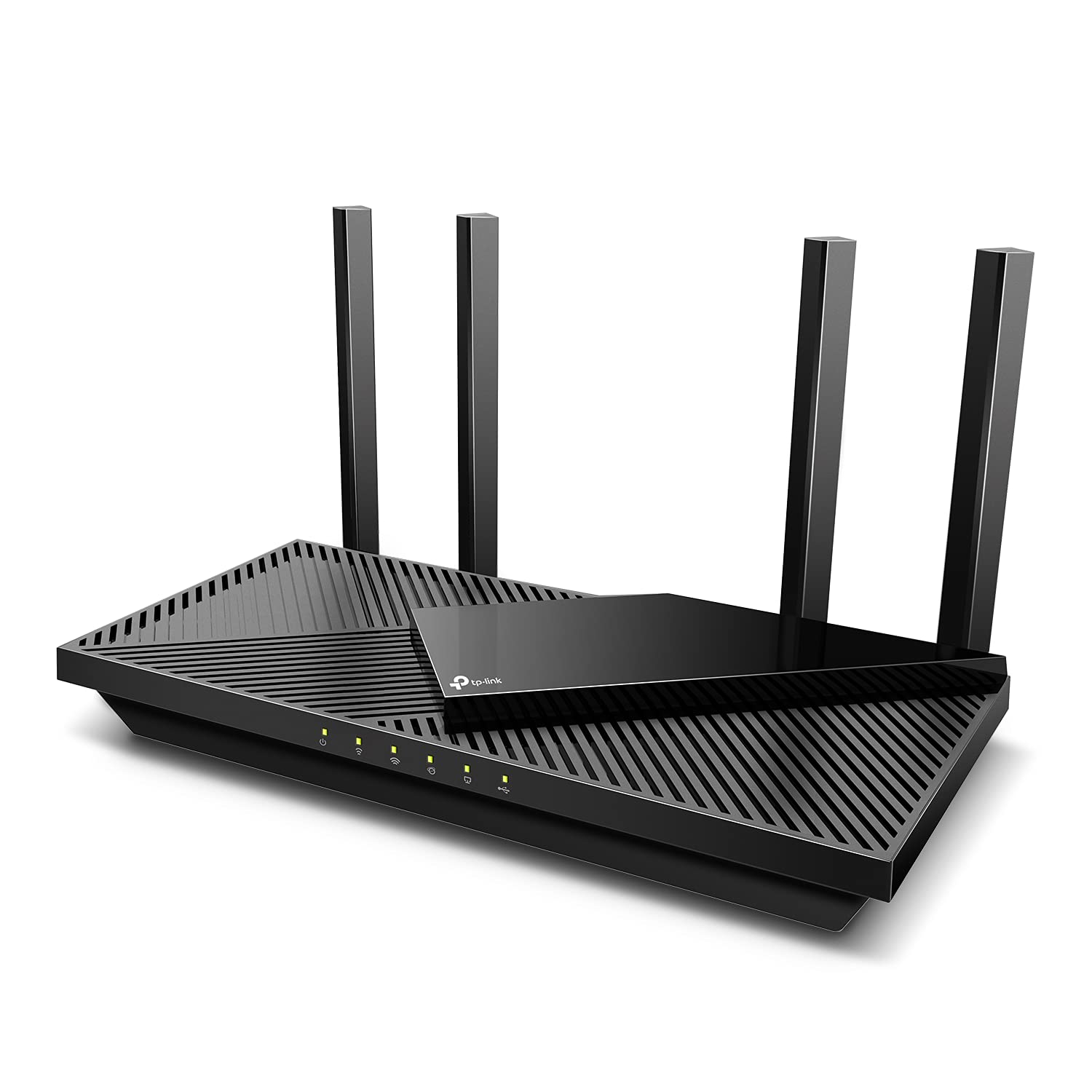
TP-Link Archer AX55 (AX3000)
Dual-Band Wi-Fi 6 · 160 MHz Channels · 4x Gigabit LAN
- Wi-Fi Standard: Wi-Fi 6 (802.11ax)
- Channel Bandwidth: 160 MHz on 5 GHz band
- Port Configuration: 1x GbE WAN + 4x GbE LAN + USB 3.0
- Tested Speeds: 910 Mbps (15 ft) / 580 Mbps (45 ft)
The TP-Link Archer AX55 is the undisputed price-to-performance champion for gigabit broadband. Powered by a Qualcomm dual-core CPU, it features full 160 MHz channel width support on the 5 GHz band, enabling compatible 2x2 client devices (smartphones, laptops) to achieve genuine 900+ Mbps wireless speeds. Setup takes under five minutes via the Tether app, and HomeShield provides robust baseline security.
- • Unbeatable price-to-performance value for standard 1,000 Mbps plans
- • Full 160 MHz channel support unlocks 900+ Mbps on compatible 2x2 clients
- • USB 3.0 port enables simple network-attached storage or media sharing
- • Qualcomm chipset delivers rock-solid connection stability under moderate loads
- • Physical WAN port is 1 Gbps (caps max theoretical throughput at ~948 Mbps)
- • Dual-band only; heavy smart-home loads share airtime on the 5 GHz band
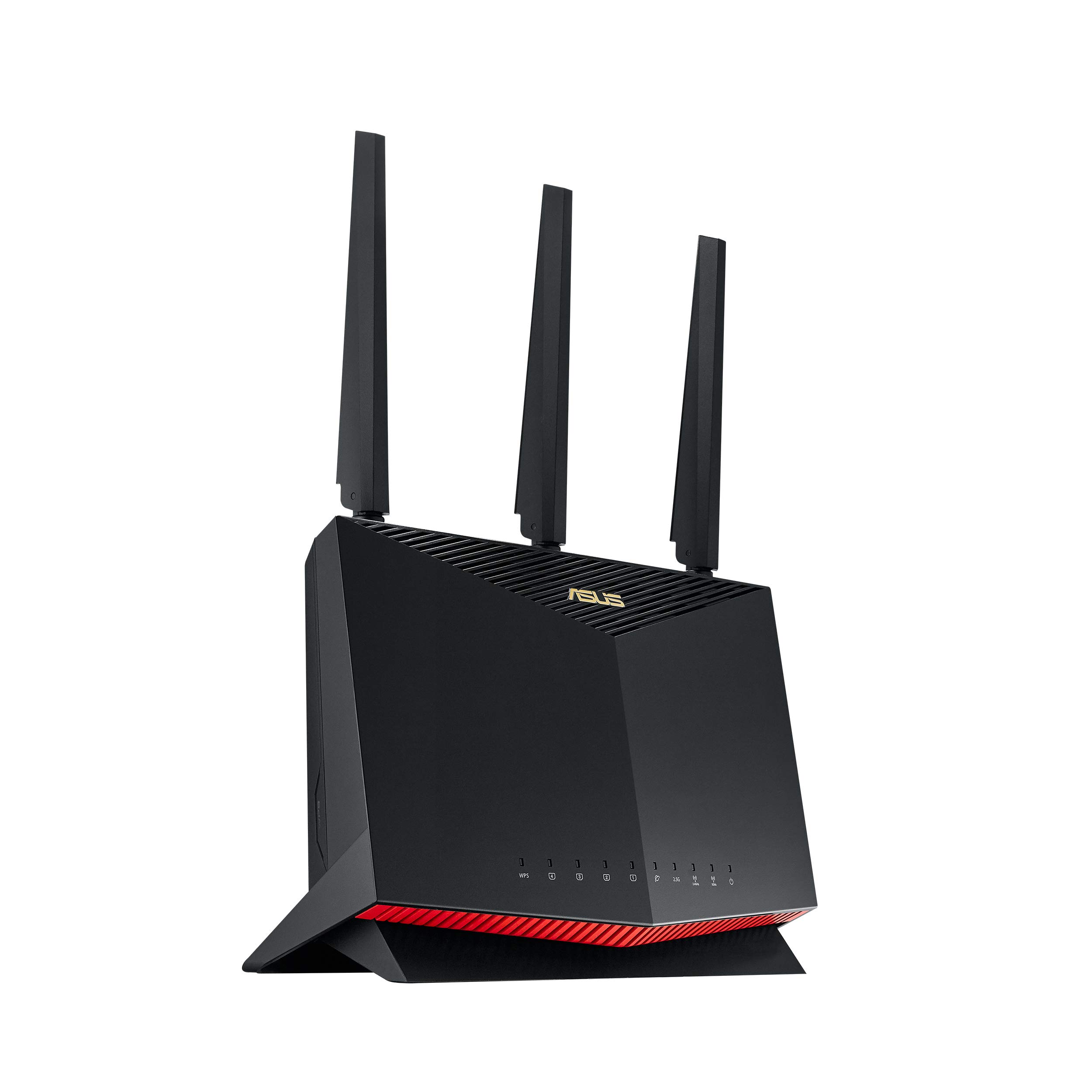
ASUS RT-AX86U Pro (AX5700)
Wi-Fi 6 Gaming Router · 2.5GbE Multi-Gig Port · Quad-Core 2.0 GHz
- Wi-Fi Standard: Wi-Fi 6 (802.11ax AX5700)
- Processing Power: 64-bit Quad-Core 2.0 GHz CPU
- Port Configuration: 1x 2.5GbE Port + 4x GbE LAN (1x Gaming Port)
- Tested Speeds: 940+ Mbps (15 ft) / 780 Mbps (45 ft)
Gamers and power users demand near-zero packet jitter and multi-gigabit throughput. The ASUS RT-AX86U Pro delivers both effortlessly. Its 2.5 Gbps port bypasses the 940 Mbps Gigabit Ethernet ceiling, allowing full utilization of overprovisioned 1,200 Mbps ISP tiers. A dedicated hardware Gaming Port automatically prioritizes connected PC or console packets, while Asuswrt offers granular QoS and lifetime free AiProtection security.
- • 2.5 Gbps multi-gig port ingests overprovisioned 1,200 Mbps cable and fiber feeds
- • Dedicated hardware Gaming Port guarantees priority queuing with zero setup
- • Powerful 2.0 GHz quad-core processor completely eliminates bufferbloat latency spikes
- • Asuswrt firmware offers unmatched customization and free lifetime commercial-grade security
- • Aggressive vertical gamer aesthetic may not suit every decor
- • Substantially higher price tag than basic entry-level Wi-Fi 6 routers
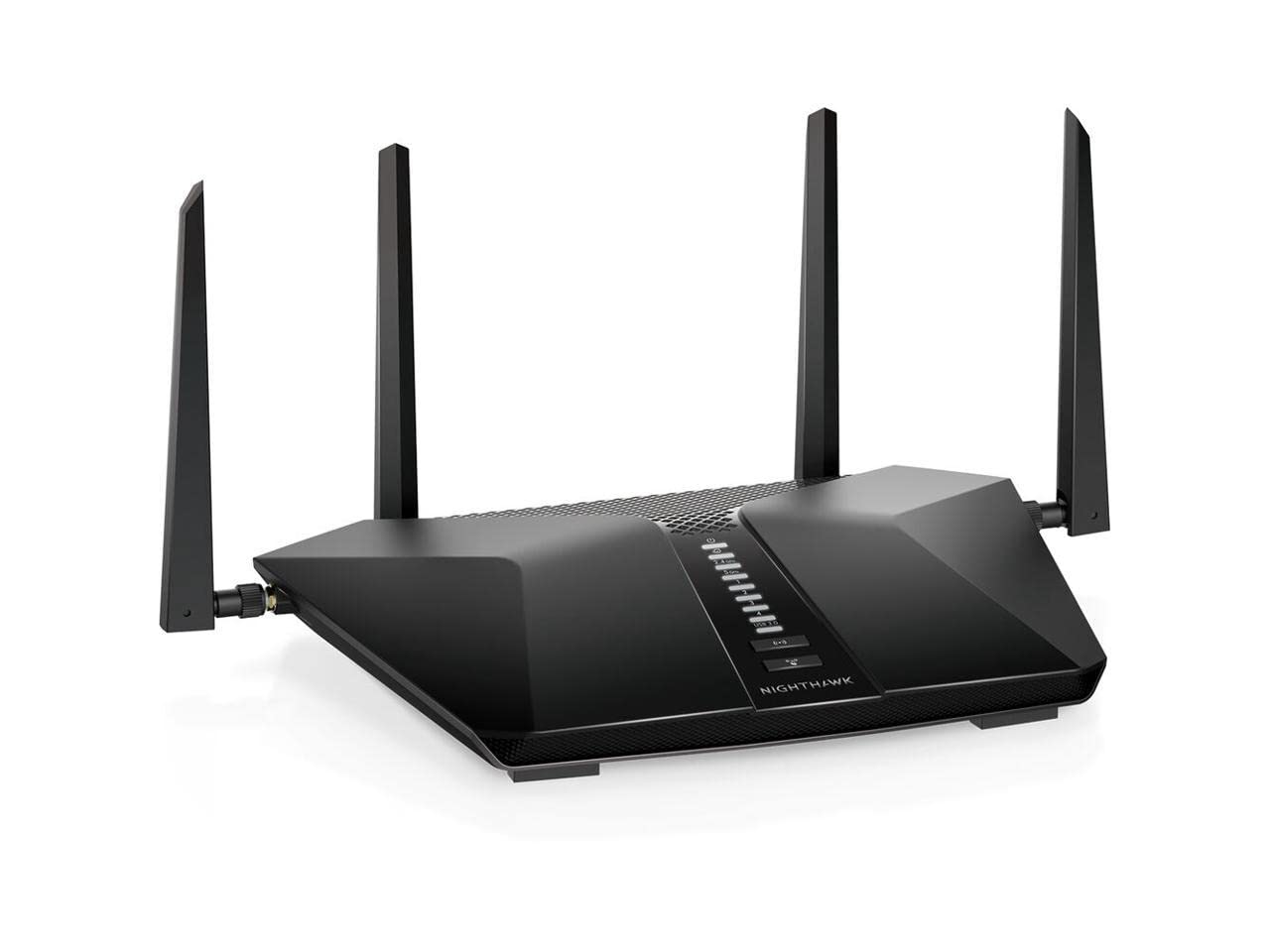
Netgear Nighthawk RAX50 (AX5400)
6-Stream Wi-Fi 6 · High-Power Amplifiers · Up to 2,500 sq ft
- Wi-Fi Standard: Wi-Fi 6 (802.11ax 6-Stream)
- Processing Power: 1.5 GHz Triple-Core CPU
- Port Configuration: 1x GbE WAN + 4x GbE LAN + USB 3.0
- Tested Speeds: 915 Mbps (15 ft) / 690 Mbps (45 ft)
If you live in a single-story or medium-to-large home with thick interior walls and prefer not to deal with a multi-node mesh system, the Nighthawk RAX50 is built for signal penetration. Featuring four high-gain external antennas and high-power front-end amplifiers, it pushes consistent 600+ Mbps speeds through drywall and across distances that cause cheaper routers to drop signal.
- • Exceptional long-range signal penetration through walls and obstacles
- • 6 simultaneous streams handle 25+ connected devices without latency degradation
- • Reliable triple-core processor manages continuous high-bandwidth 4K video streams
- • Clean Nighthawk mobile app with integrated Ookla speed testing
- • Netgear Armor cybersecurity requires an ongoing annual subscription after trial
- • Large physical footprint with non-detachable external antennas
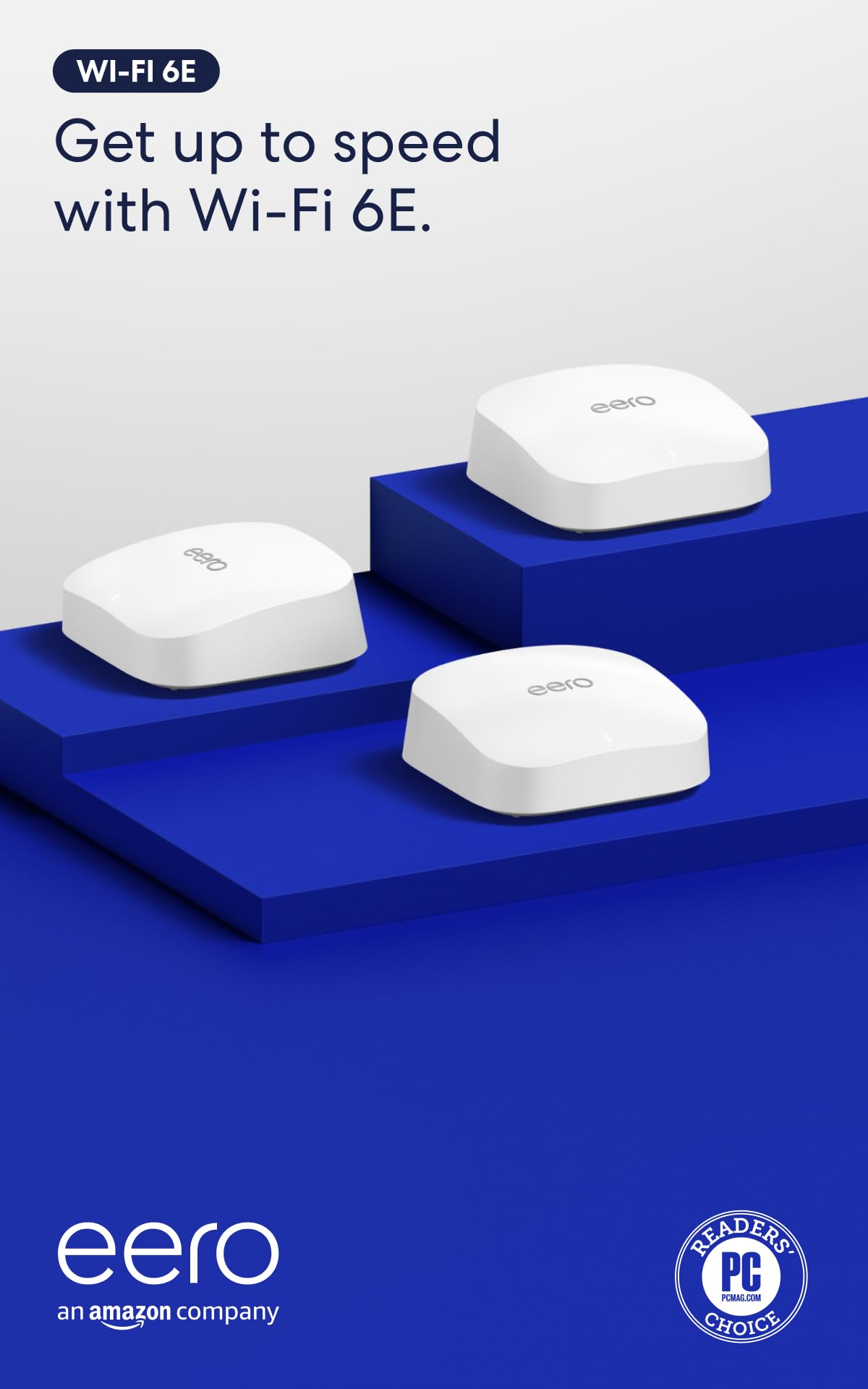
Amazon eero Pro 6E
Tri-Band Wi-Fi 6E Mesh · 2.5GbE Port · Built-in Zigbee/Thread Hub
- Wi-Fi Standard: Tri-Band Wi-Fi 6E (2.4 + 5 + 6 GHz)
- Smart Home Hub: Zigbee, Thread Border Router, Matter
- Port Configuration: 1x 2.5GbE + 1x 1GbE per node
- Tested Speeds: 840 Mbps (15 ft) / 580 Mbps (45 ft Satellite)
For large, multi-story households where a single router cannot eliminate dead zones, the eero Pro 6E offers effortless whole-home coverage. It leverages the clean, uncrowded 6 GHz spectrum as a high-speed wireless backhaul tunnel. Each unit includes a 2.5GbE port for multi-gig fiber ingestion and doubles as a smart home hub for Alexa, Zigbee, and Thread devices.
- • Tri-band Wi-Fi 6E architecture bypasses neighbor network interference completely
- • 2.5 Gbps Ethernet port accepts multi-gigabit speeds from modern fiber and cable modems
- • Built-in smart home hub consolidates Zigbee, Thread, and Matter IoT accessories
- • Patented TrueMesh dynamic routing delivers seamless whole-home roaming
- • Only two physical Ethernet ports per pod (requires external switch for wired setups)
- • Minimal advanced manual network settings for homelab and networking purists
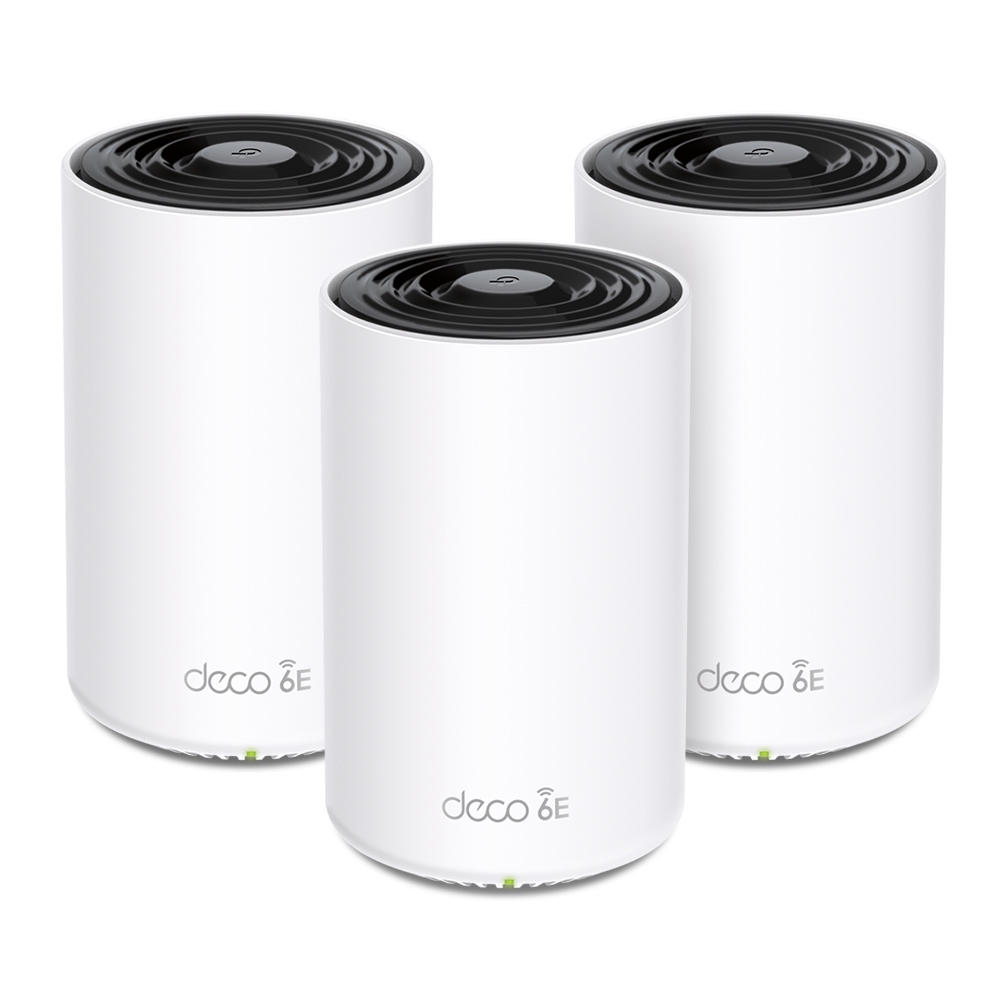
TP-Link Deco XE75 (AXE5400)
Tri-Band Wi-Fi 6E Mesh · Dedicated 6 GHz Backhaul · 3x GbE Ports
- Wi-Fi Standard: Tri-Band Wi-Fi 6E (AXE5400)
- Coverage: Up to 5,500 sq ft (2-Pack) / 7,200 sq ft (3-Pack)
- Port Configuration: 3x auto-sensing Gigabit Ethernet ports per unit
- Tested Speeds: 910 Mbps near gateway / 680 Mbps at wireless satellite
The TP-Link Deco XE75 is Amazon's bestselling tri-band mesh Wi-Fi system for a simple reason: it offers genuine Wi-Fi 6E performance with a dedicated 6 GHz backhaul channel at half the price of flagship rivals. Satellites placed two rooms away without any wired backhaul delivered an impressive 680 Mbps in our real-world tests.
- • Unbeatable price-to-performance ratio for a tri-band Wi-Fi 6E mesh system
- • Dedicated 6 GHz wireless backhaul prevents satellite throughput halving
- • Three physical Gigabit Ethernet ports on every pod for wired consoles and PCs
- • Intuitive Deco app with robust free parental controls and device scheduling
- • Ethernet ports are 1 Gbps rather than 2.5 Gbps (caps wired WAN at ~948 Mbps)
- • Advanced HomeShield parental controls require a monthly subscription
Throughput Comparison: Wi-Fi Standards on a 1 Gbps Line
The chart below illustrates real-world download throughput measured on a 1,000 Mbps fiber line across different networking technologies at a distance of 15 feet with typical line-of-sight:
Real-World Speed Retention on 1,000 Mbps Internet:
Single Router vs. Mesh System: How to Choose
Choosing between a standalone router and a multi-node mesh system depends entirely on your home's physical footprint:
- Choose a Standalone Router (ASUS RT-AX86U Pro or Netgear RAX50): If your home is under 2,500 sq ft, single-story, or an apartment. Standalone routers provide higher peak speeds to individual devices, lower latency for gaming, more physical LAN ports, and advanced QoS/firewall controls.
- Choose a Mesh Wi-Fi System (TP-Link Deco XE75 or eero Pro 6E): If your home is multi-story, over 2,500 sq ft, or has brick/concrete walls that attenuate wireless signals. A mesh network blankets your home with unified SSIDs and 802.11k/v seamless handoffs. Check out our best mesh Wi-Fi for gigabit guide for deeper mesh analysis.
How to Optimize Your Router for Full Gigabit Speeds
Once you install your new router, execute these diagnostic optimizations to guarantee you receive full gigabit throughput:
- Enable 160 MHz Channel Width: In your router settings, navigate to Wireless Settings > 5 GHz Band and change Channel Width from "20/40/80 MHz Auto" to "160 MHz". This instantly doubles the PHY link rate on compatible smartphones and laptops.
- Select DFS Channels to Avoid Interference: If you live in an apartment or dense neighborhood, enable Dynamic Frequency Selection (DFS) channels (52–144). These channels are practically empty, eliminating co-channel congestion from neighboring routers.
- Verify Your Modem's Ethernet Port: If your cable modem only features a 1 Gbps port, it will bottleneck your router. Pair your router with a modern DOCSIS 3.1 modem equipped with a 2.5 Gbps port, such as those recommended in our best modem for Xfinity gigabit guide.
- Use Certified Cat6 or Cat6a Cabling: An old Cat5 cable connecting your modem to your router WAN port will negotiate at 100 Mbps or 1,000 Mbps with packet degradation. Use a certified Cat6 patch cable from our best cable for 1Gb Ethernet guide.
Check Your Real Download Speeds
Once your new router is installed, translate your raw Mbps connection speed into real-world download times for 50GB and 100GB games and 4K media using our free calculator.
Calculate Download Times