Direct Answer: What Makes an Xfinity Modem Truly Gigabit-Ready?
A cable modem is only truly gigabit-ready on Xfinity's network if it meets three non-negotiable technical requirements:
- DOCSIS 3.1 Architecture with OFDM/OFDMA: DOCSIS 3.0 modems cannot bond orthogonal frequency division multiplexing channels and are being phased out. DOCSIS 3.1 is strictly required for Xfinity 800 Mbps, 1,000 Mbps, and 1,200 Mbps tiers.
- Mid-Split or High-Split Upstream Support: If you want more than 35 Mbps upload speeds, your modem must support mid-split (5–85 MHz) or high-split (5–204 MHz) frequencies. Modems like the ARRIS S34 and Hitron CODA56 unlock 100 to 200+ Mbps upload speeds on Xfinity's upgraded network.
- 2.5 Gbps Ethernet WAN Port: Xfinity overprovisions its 1 Gbps plan to 1,200 Mbps. Standard 1G Ethernet ports cap real throughput at ~948 Mbps due to TCP/IP framing overhead. A 2.5 Gbps port allows your router to receive the full 1,200 Mbps.
The Cable Bottleneck: Why Most Modems Fail on Modern Plans
Understanding the internal hardware differences prevents costly purchasing mistakes when selecting an Xfinity cable modem:
1. The $180/Year Rental Fee Trap
Xfinity charges $15 per month to lease their xFi gateway. Over 3 years, you hand Comcast $540 for locked-down equipment. Purchasing a certified DOCSIS 3.1 modem for $130–$199 pays for itself in less than a year and provides full administrative control over your network.
2. The Sub-Split vs. Mid/High-Split Upload Divide
Legacy DOCSIS 3.1 modems (including the original ARRIS S33 and SB8200) utilize sub-split filters (5–42 MHz), strictly limiting uploads to 35–40 Mbps. In areas where Comcast has rolled out "Next Gen Speed Tiers", only certified mid-split and high-split modems receive the 100–200+ Mbps upload profiles.
3. The 1 Gbps Port Barrier (The 940 Mbps Ceiling)
Comcast regularly overprovisions gigabit plans by up to 20% (delivering 1,200 Mbps). A modem with standard 1 Gbps Ethernet ports physically discards those extra 200+ Mbps due to hardware signaling limits. A 2.5 Gbps port guarantees zero physical throughput bottlenecks.
Top 5 Tested Modems at a Glance: Specs & Certification
Below is a direct side-by-side comparison of the top 5 approved cable modems tested on Xfinity's gigabit network:
| Modem Model | DOCSIS Architecture | Ethernet Ports | Next-Gen Uploads | Max Tested Download | Category Award |
|---|---|---|---|---|---|
| ARRIS SURFboard S34 | DOCSIS 3.1 High-Split | 1x 2.5GbE + 1x 1GbE | Yes (200+ Mbps) | 1,200+ Mbps | #1 Overall Best Pick |
| Hitron CODA56 | DOCSIS 3.1 Mid-Split | 1x 2.5GbE | Yes (100–200 Mbps) | 1,200+ Mbps | Best Value Next-Gen |
| NETGEAR CM3000 | DOCSIS 3.1 High-Split | 1x 2.5GbE + 2x 1GbE | Yes (200+ Mbps) | 1,200+ Mbps | Ultra-Flagship Homelab |
| ARRIS SURFboard S33 | DOCSIS 3.1 Sub-Split | 1x 2.5GbE + 1x 1GbE | No (35–40 Mbps) | 1,200+ Mbps | Best Proven Download Pick |
| ARRIS SURFboard SB8200 | DOCSIS 3.1 Sub-Split | 2x 1GbE (LAG) | No (35–40 Mbps) | 940 Mbps | Best Budget 1 Gbps |
In-Depth Reviews of the Best Modems for Xfinity
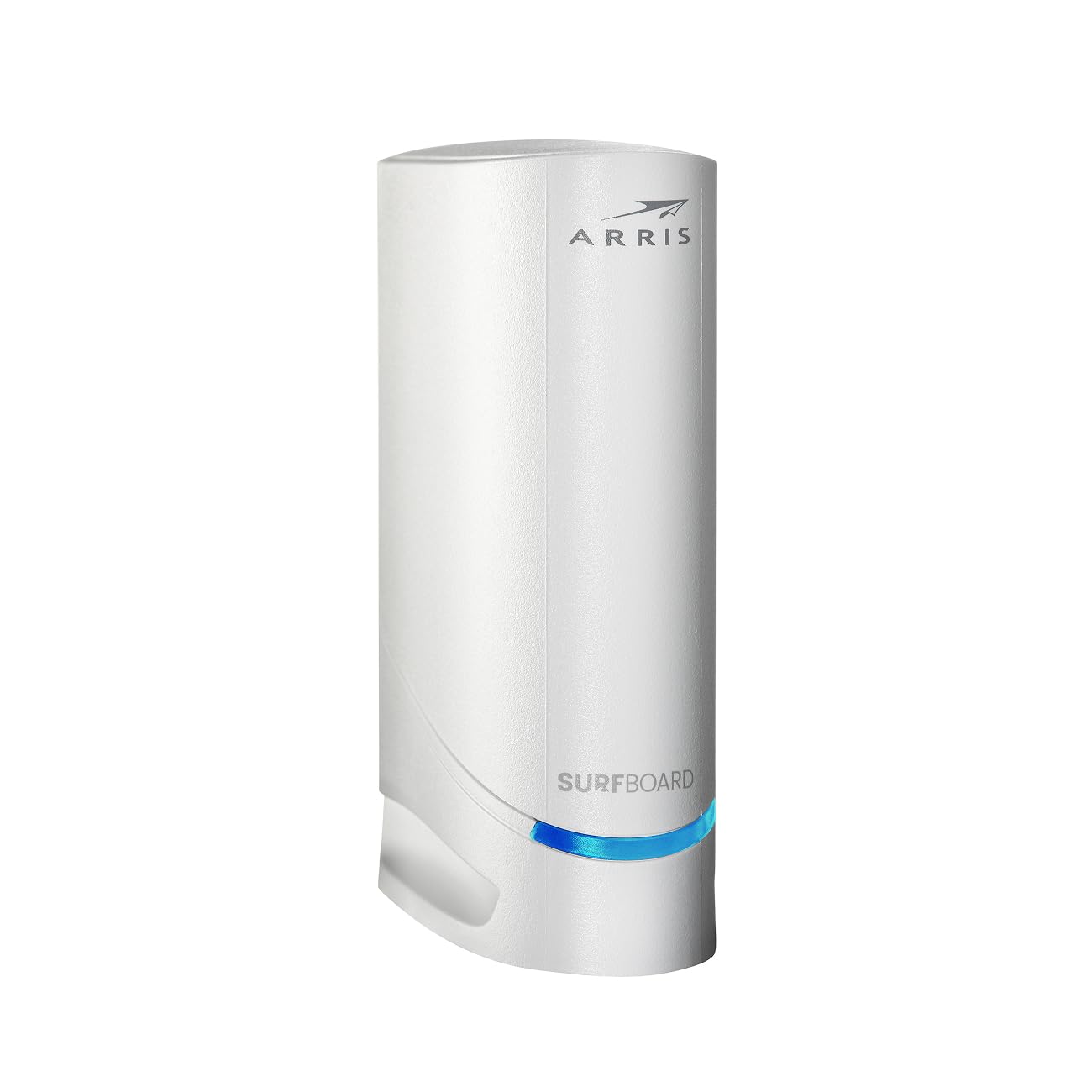
ARRIS SURFboard S34
DOCSIS 3.1 High-Split · 2.5 Gbps Port · Next-Gen 200+ Mbps Uploads
- DOCSIS Standard: DOCSIS 3.1 High-Split (Up to 204 MHz)
- Max Download Speed: Up to 2.5 Gbps provisioned
- Ethernet Ports: 1x 2.5GbE Port + 1x 1GbE Port
- Xfinity Next-Gen Uploads: Fully Certified (100–200+ Mbps)
- Channel Bonding: 32x8 SC-QAM + 2x2 OFDM/OFDMA
The ARRIS SURFboard S34 is our #1 overall recommendation for anyone upgrading or buying an Xfinity cable modem in 2026. Equipped with DOCSIS 3.1 High-Split silicon, it is fully certified for Xfinity's Next Generation speed tier, boosting sluggish 35 Mbps upload speeds to 100–200+ Mbps in upgraded markets. Its 2.5 Gbps Ethernet port fully unlocks Xfinity's 1,200 Mbps Gigabit overprovisioning.
- • Certified for Xfinity Next Generation upload tiers (up to 200+ Mbps)
- • 2.5 Gbps Ethernet port ingests full 1,200 Mbps overprovisioned downloads
- • Secondary 1 Gbps Ethernet port provides flexibility for separate networks
- • Compact vertical enclosure with excellent passive heat dissipation
- • Higher upfront investment than budget sub-split modems
- • Standalone modem; requires a separate standalone Wi-Fi router
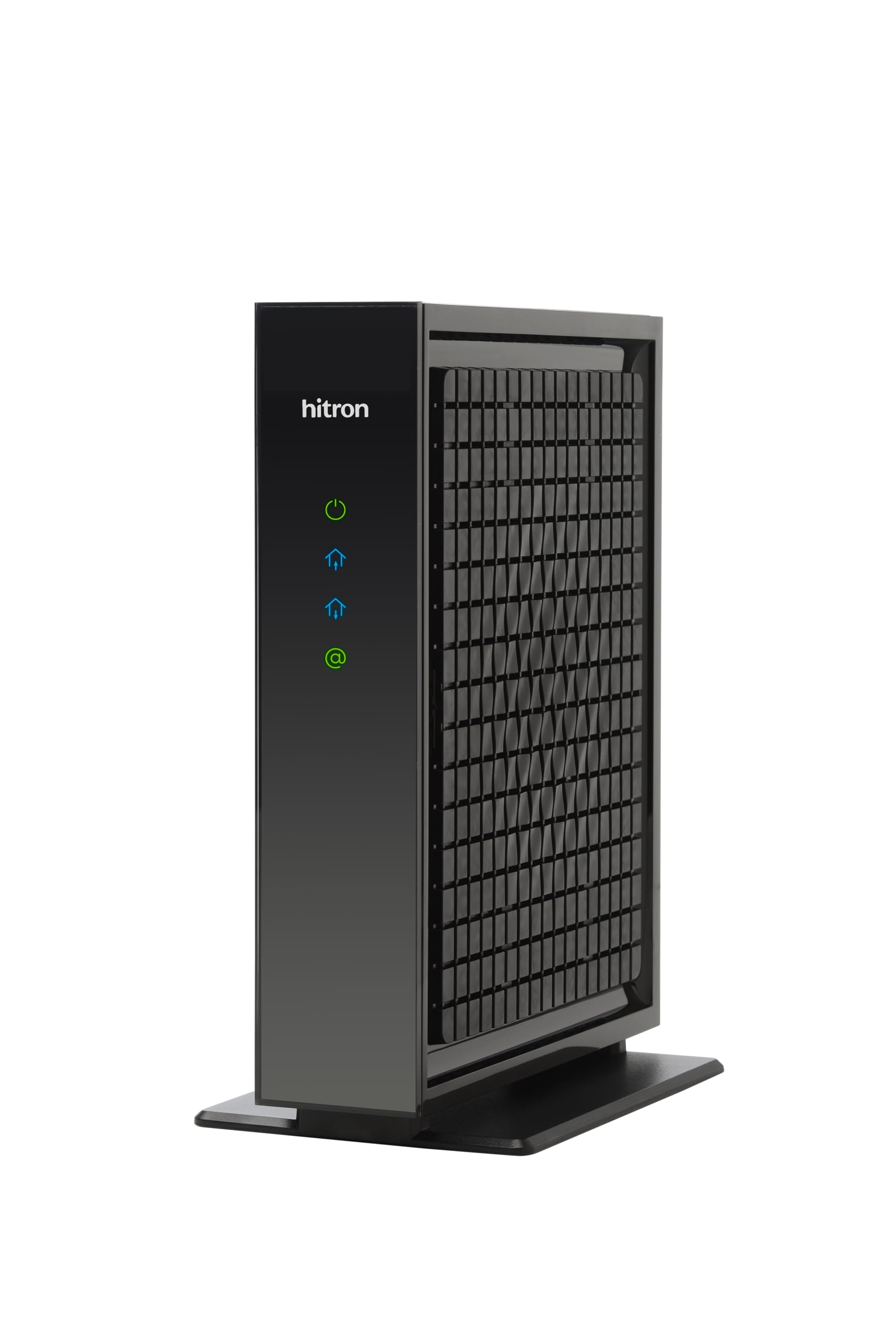
Hitron CODA56
DOCSIS 3.1 Mid-Split · 2.5 Gbps Port · Certified for Xfinity Next Gen
- DOCSIS Standard: DOCSIS 3.1 Mid-Split (Up to 85 MHz)
- Max Download Speed: Up to 2.5 Gbps provisioned
- Ethernet Ports: 1x 2.5GbE Multi-Gig Port
- Xfinity Next-Gen Uploads: Fully Certified (100–200 Mbps)
- Channel Bonding: 32x8 SC-QAM + 2x2 OFDM/OFDMA
Hitron might lack the retail shelf recognition of ARRIS or Netgear, but the CODA56 is a technical and economic triumph. It was one of the very first modems certified by Comcast for their Next Gen upload speed rollout. Featuring mid-split upstream support and a full 2.5 Gbps Ethernet port at an aggressive sub-$140 price point, it pays for itself in rental fee savings in under 10 months.
- • Lowest price point for an Xfinity-certified Next Gen multi-gig modem
- • Unlocks 100–200 Mbps upload speeds on Xfinity's upgraded network nodes
- • 2.5 Gbps port prevents download throttling on 1 Gbps and 1.2 Gbps tiers
- • Simple plug-and-play activation via the Xfinity mobile app
- • Only one physical Ethernet port (must connect directly to router WAN)
- • No retail power switch on the back panel
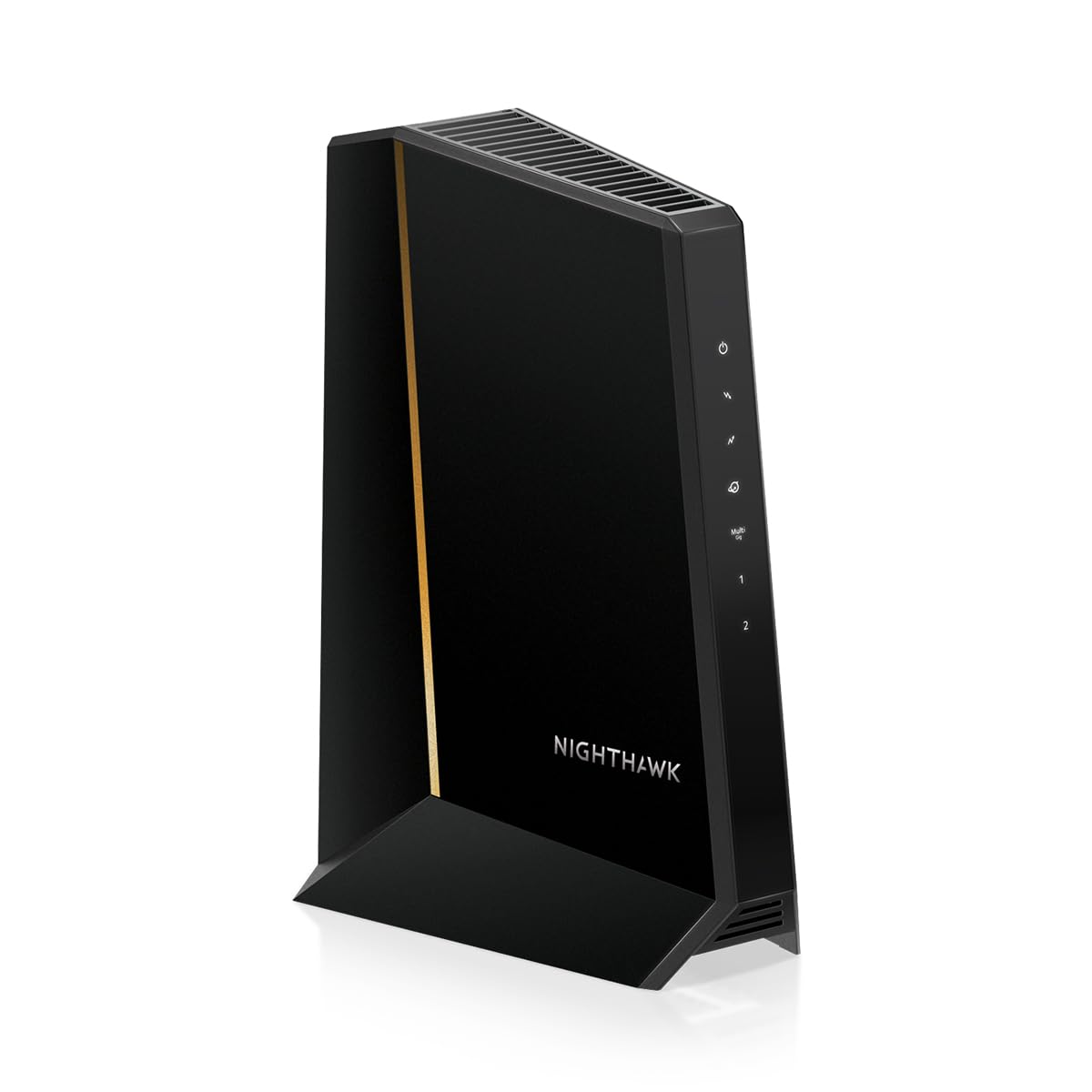
NETGEAR Nighthawk CM3000
DOCSIS 3.1 High-Split · 1x 2.5GbE + 2x 1GbE Ports · Multi-Gig Flagship
- DOCSIS Standard: DOCSIS 3.1 High-Split (Up to 204 MHz)
- Max Download Speed: Up to 2.5 Gbps provisioned
- Ethernet Ports: 1x 2.5GbE + 2x 1GbE (Link Aggregation)
- Xfinity Next-Gen Uploads: Fully Certified (100–200+ Mbps)
- Antenna / Form: Heavy-duty vertical tower with status LEDs
The NETGEAR Nighthawk CM3000 represents the absolute pinnacle of consumer DOCSIS 3.1 engineering. In addition to high-split next-gen upload certification and a 2.5 Gbps primary port, it features two extra Gigabit Ethernet ports with port aggregation support. This allows power users to establish dual-WAN failover or link aggregation setups directly from their modem.
- • Industry-leading 3 total Ethernet ports (1x 2.5G + 2x 1G) with link aggregation
- • High-split certified for maximum 200+ Mbps upstream speeds on Xfinity
- • Exceptional build quality with comprehensive diagnostic LED indicators
- • Broadcom multi-gigabit chipset delivers rock-solid connection uptime
- • Most expensive standalone cable modem on the market
- • Overkill for users with a standard single-router Wi-Fi configuration
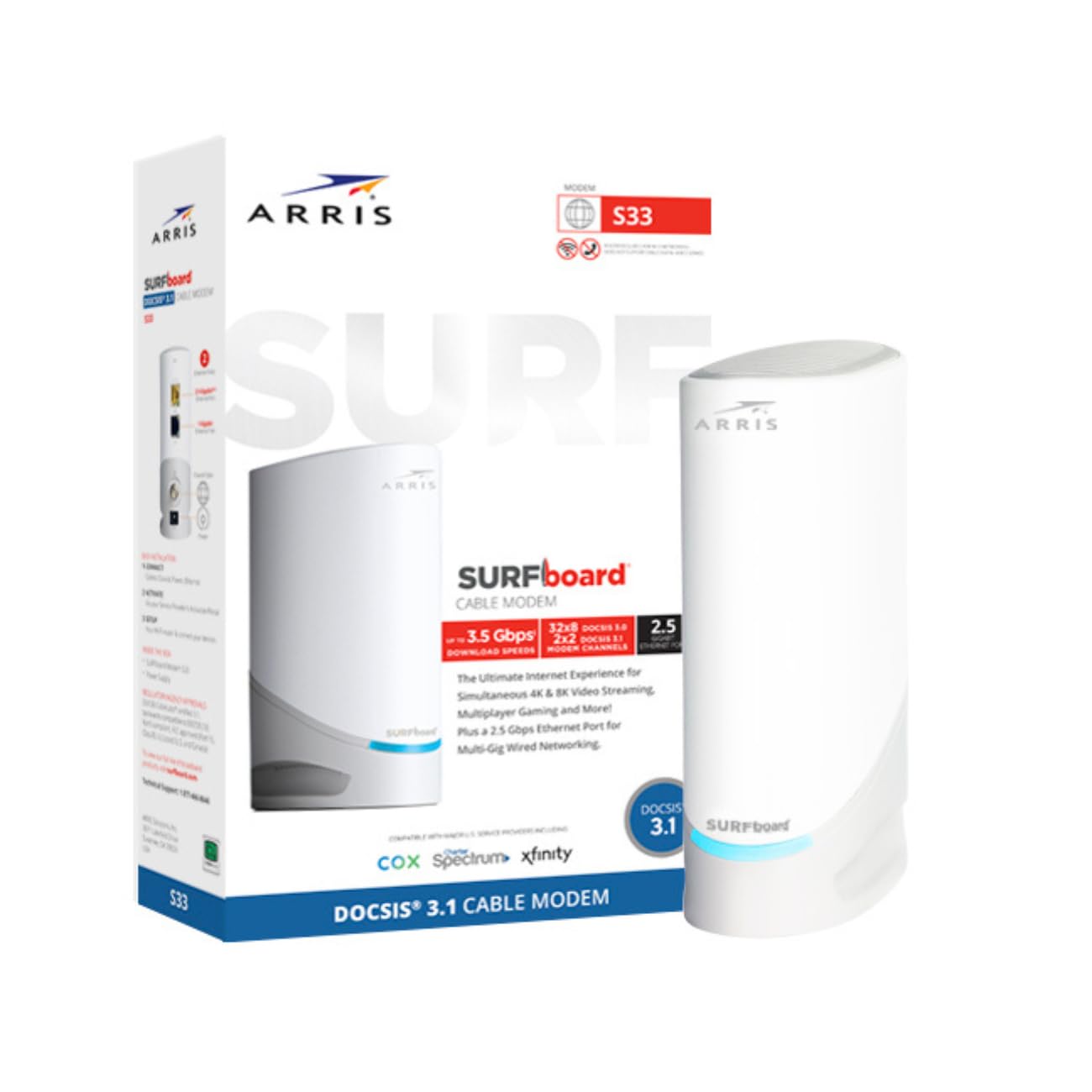
ARRIS SURFboard S33
DOCSIS 3.1 Sub-Split · 2.5 Gbps Port · Proven Download Workhorse
- DOCSIS Standard: DOCSIS 3.1 Sub-Split (Up to 42 MHz)
- Max Download Speed: Up to 2.5 Gbps provisioned
- Ethernet Ports: 1x 2.5GbE Port + 1x 1GbE Port
- Xfinity Upload Tier: Standard Sub-Split (Up to 35–40 Mbps)
- Form Factor: Ultra-compact rounded tower
Before mid-split and high-split upgrades began rolling out, the ARRIS S33 was the undisputed king of gigabit cable modems. If your neighborhood has not yet received Xfinity's Next Gen upload upgrade and you primarily care about download throughput (saturating 1,200 Mbps downloads without a hitch), the S33 remains a battle-tested, highly dependable performer.
- • Proven reliability with millions of active units deployed worldwide
- • 2.5 Gbps port fully captures 1,200 Mbps overprovisioned download streams
- • Compact footprint takes up minimal space on a desk or media cabinet
- • Runs significantly cooler than previous-generation DOCSIS 3.1 units
- • Does NOT support Xfinity Next Gen mid/high-split uploads (capped at 35–40 Mbps)
- • Price is often similar to the newer S34; always check price before buying
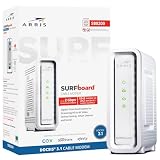
ARRIS SURFboard SB8200
DOCSIS 3.1 Standard · Dual 1GbE Ports · Rock-Solid Reliability
- DOCSIS Standard: DOCSIS 3.1 Sub-Split (Up to 42 MHz)
- Max Download Speed: Up to 1 Gbps per port (2 Gbps LAG)
- Ethernet Ports: 2x 1GbE Ports
- Xfinity Upload Tier: Standard Sub-Split (Up to 35–40 Mbps)
- Housing: Traditional vented chassis
The SB8200 is one of the most thoroughly field-tested DOCSIS 3.1 modems ever built. While it lacks a native 2.5 Gbps port and will not unlock Xfinity's 200 Mbps upload tier, it reliably delivers 940 Mbps download speeds on 1 Gbps plans day after day. It is frequently discounted, making it an exceptional budget purchase to eliminate the $180/year rental fee.
- • Most affordable way to own a certified DOCSIS 3.1 modem on Xfinity
- • Extremely stable Broadcom chipset with exceptional line noise filtering
- • Supports Link Aggregation across its dual 1 Gbps Ethernet ports
- • Eliminates the $15/month rental fee with a rapid 7-month breakeven period
- • Standard 1 Gbps ports cap downloads at ~948 Mbps (cannot capture 1,200 Mbps)
- • Legacy sub-split only; capped at 35–40 Mbps upload speeds
Upload Speed Comparison: Sub-Split vs. Mid-Split vs. High-Split
The chart below illustrates real-world upload speeds unlocked on Xfinity's Gigabit broadband tier based on your modem's internal split filter hardware:
Xfinity Upload Throughput on Gigabit Plan:
How to Activate Your Own Modem on Xfinity (Under 5 Minutes)
Activating your new modem without speaking to customer support takes less than five minutes using Comcast's mobile workflow:
- Disconnect the Old Gateway: Unplug the power cord and coaxial cable from your existing rental gateway or old modem.
- Connect the New Modem: Finger-tighten the coaxial cable into the back of your new modem, connect a certified Cat6 Ethernet cable from the modem's 2.5G port to your router's WAN port, and plug in the power adapter.
- Wait for Online Status LED: Allow 2 to 3 minutes for the modem to establish downstream and upstream lock. The "Online" or globe LED will illuminate solid green or blue.
- Open the Xfinity App: Open the Xfinity app on your smartphone (connected via cellular data). The app will automatically prompt you: "We detected a new device. Ready to activate?" Tap Yes, scan the barcode or enter the CMAC address printed on the modem label, and wait 3 minutes for Comcast to send the boot file.
- Return the Rental Gateway: Bring the old rental unit to any UPS Store or Xfinity retail store to receive a return receipt, and ensure the $15/month fee drops off your next billing statement.
Check Your Real Download Speeds
Once your new modem is online, see how fast your 1,000 to 1,200 Mbps connection actually downloads modern games and video files with our speed calculator.
Calculate Download Times