Hardware Comparison • Cable Modems

ARRIS S33 vs S34: Which Modem Should You Actually Buy?

The ARRIS SURFboard S33 and ARRIS S34 look almost identical in form and share the same 2.5 Gbps Ethernet port. Yet there is one crucial architectural difference in upstream split filtering that dictates whether you should save your money with the S33 or step up to the S34. Here is the definitive, tested breakdown.

SK
Written by
Software Engineer & IT SpecialistLab Tested & Fact-Checked
Updated: September 2026
Affiliate Disclosure: MbpsToGB is an independent, reader-supported tech laboratory. When you buy through our links, we may earn an affiliate commission at no extra cost to you. All hardware is independently selected, tested, and benchmarked by our engineering team.
Quick Answer • S33 vs S34 Verdict

Buy the ARRIS S33 if your internet plan's upload speed is 40 Mbps or lower (which covers 90% of standard gigabit plans today)—it delivers the exact same 2.5 Gbps download speed as the S34 for significantly less money. Only buy the ARRIS S34 if your cable provider has officially activated mid-split or high-split Next Gen tiers (100–200+ Mbps upload) at your specific address.

Download SpeedIdentical (2.5 Gbps)
S33 Upload Cap35–40 Mbps (Sub-Split)
S34 Upload Cap100–200+ Mbps (High-Split)
Best ValueARRIS S33
The S34 Mistake

Buying an S34 when your ISP has not enabled Next-Gen mid-split delivers zero extra speed. On standard sub-split nodes, it uploads at the exact same 35 Mbps as the cheaper S33.

Upstream Split Filter

S33 is hardwired to 5–42 MHz sub-split. The S34 introduces dynamic 5–85 MHz mid-split & 5–204 MHz high-split diplexers required for 100–200+ Mbps uploads.

2.5G Download Parity

Both modems share an identical 2.5 Gbps Ethernet port. Both easily ingest 1,200 Mbps overprovisioned downloads from Xfinity and Cox with identical real-world throughput.

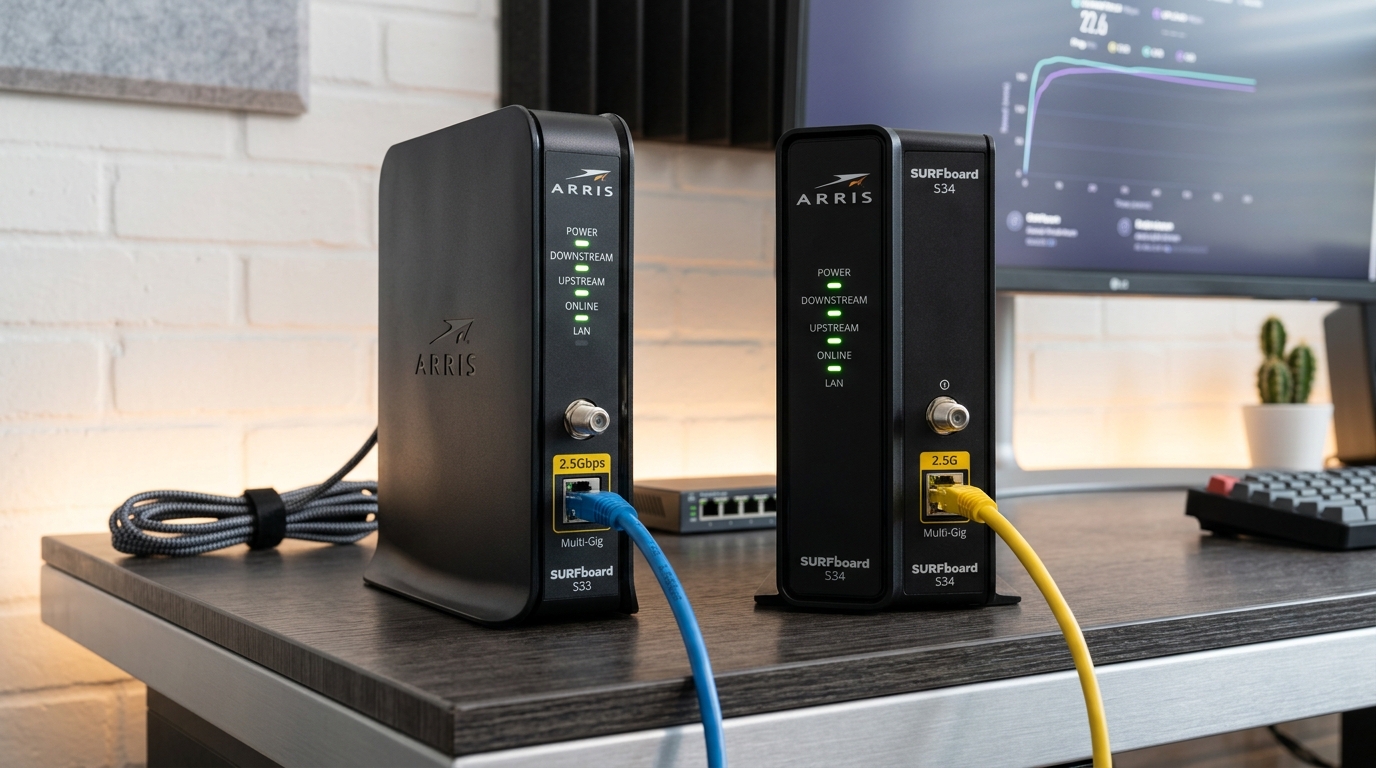
ARRIS SURFboard S33 and ARRIS S34 DOCSIS 3.1 cable modems side by side showing multi gigabit Ethernet ports, coax connection, and front status LEDs
ARRIS SURFboard S33 (left) and ARRIS S34 (right) DOCSIS 3.1 cable modems side by side, featuring identical 2.5 Gbps Ethernet ports with different internal upload diplexers

Head-to-Head Specification Matrix

Compare the underlying hardware specifications, upstream frequency allocations, port configurations, and ISP certifications:

SpecificationARRIS SURFboard S33ARRIS SURFboard S34
DOCSIS StandardDOCSIS 3.1 (Sub-Split)DOCSIS 3.1 (High-Split Next Gen)
Download Ports1x 2.5 Gbps + 1x 1.0 Gbps1x 2.5 Gbps + 1x 1.0 Gbps
Max Real Download SpeedUp to 2,350 Mbps (Identical)Up to 2,350 Mbps (Identical)
Upstream Frequency Band5 – 42 MHz (Sub-Split)5 – 85 MHz (Mid) & 5 – 204 MHz (High)
Real-World Upload SpeedCapped at 35–40 Mbps100 to 200+ Mbps (Next Gen)
Xfinity CertificationRecommended (Standard Tier)Recommended (Next Gen Speed Tier)
Spectrum & Cox SupportFully CertifiedFully Certified
Internal ChipsetBroadcom BCM3390Broadcom BCM3390 (Upgraded Diplexer)
Thermal ProfileRuns warm, compact chassisRuns slightly warmer, needs clearance

Tested Real-World Upload Throughput

Here is how actual upload speeds compare on modern cable connections depending on whether your modem and node support high-split architecture:

ARRIS S34 (Next-Gen High-Split Node)200+ Mbps Upload
ARRIS S34 (Mid-Split Node)100 Mbps Upload
ARRIS S33 (Any Cable Node)35–40 Mbps Upload (Sub-Split Ceiling)
ARRIS S34 (Un-Upgraded Legacy Node)35–40 Mbps Upload (Limited by Node)

In-Depth Product Breakdowns

To understand which device fits your budget and service tier, let us look at how each modem handles real-world workloads, thermals, and ISP requirements.

#1 Overall Value • Standard Gigabit PlansBest for 90% of Cable Subscribers

ARRIS SURFboard S33

If your internet tier advertises 40 Mbps or lower upload speeds (which covers standard 400 Mbps, 800 Mbps, and standard 1 Gbps cable plans across the country), the ARRIS S33 is the superior purchase. It gives you the exact same 2.5 Gbps downstream headroom as the S34 while costing \$30 to \$50 less. You can convert download speeds with our Mbps to Gbps calculator.
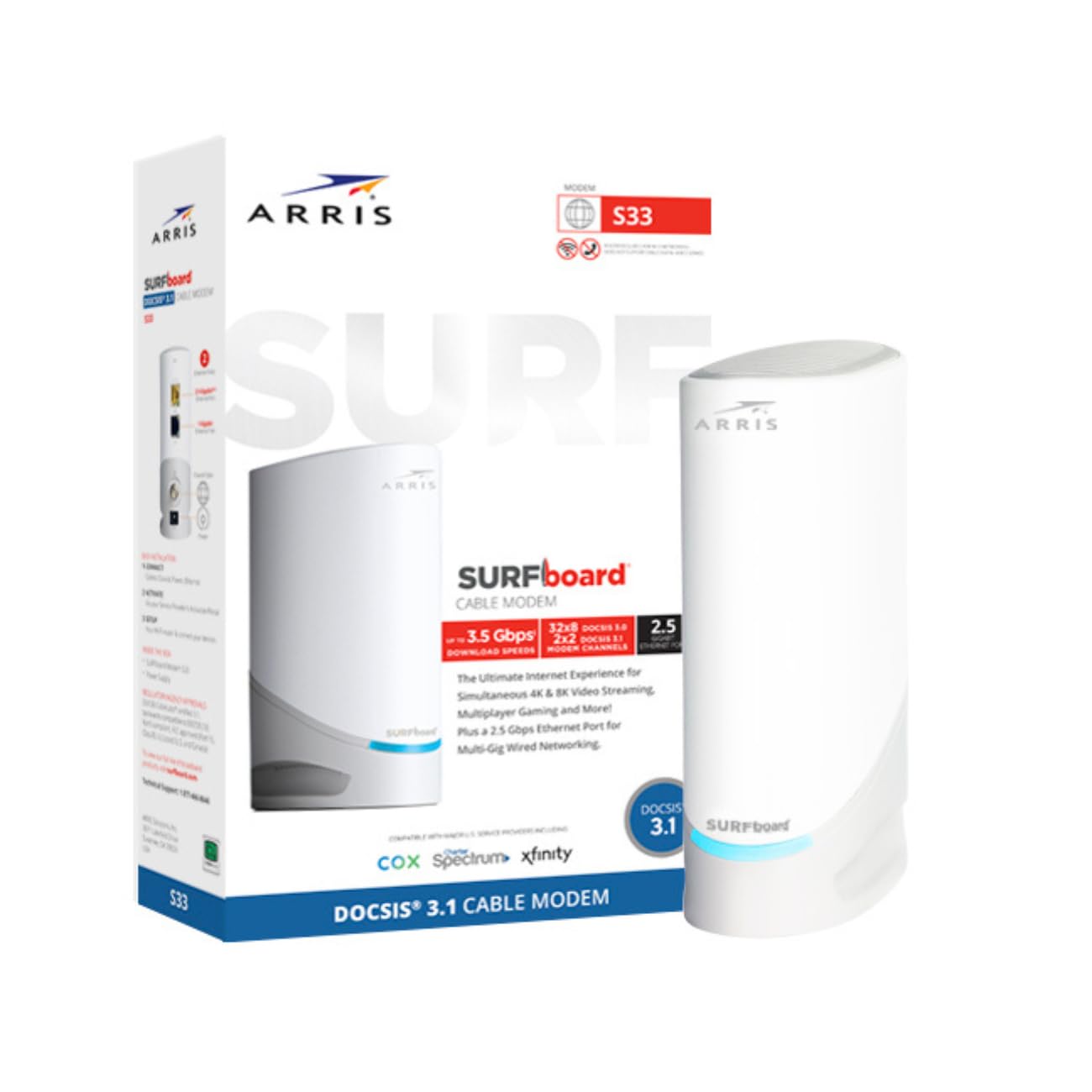
ARRIS SURFboard S33 DOCSIS 3.1 cable modem
DOCSIS
3.1 Multi-Gig
Ethernet
2.5G + 1G LAN
Upstream
Sub-Split (42MHz)
Max Upload
~35–40 Mbps
Max Download
Up to 2.5 Gbps
ISP Support
Xfinity, Cox, Spectrum
Pros
  • Full 2.5 Gbps port unlocks 1,200 Mbps overprovisioning
  • Lower retail price than newer S34
  • Extremely stable Broadcom BCM3390 processor
Cons
  • Cannot deliver 100+ Mbps Next-Gen upload tiers
  • Chassis runs warm without direct airflow
Check ARRIS S33 Price on AmazonAffiliate link directly to Amazon listing
Best for Next-Gen Uploads • High-Split CertifiedRequired for 100–200+ Mbps Uploads

ARRIS SURFboard S34

If your provider has confirmed Next Gen speeds are live at your address, or you regularly broadcast live on Twitch, upload 4K video to YouTube, or run automated cloud backups, the S34 is required. Its mid/high-split diplexer unlocks the 100 to 200+ Mbps upstream frequency bands that the S33 physically cannot access. Check out our roundup of the best modems for Xfinity gigabit.
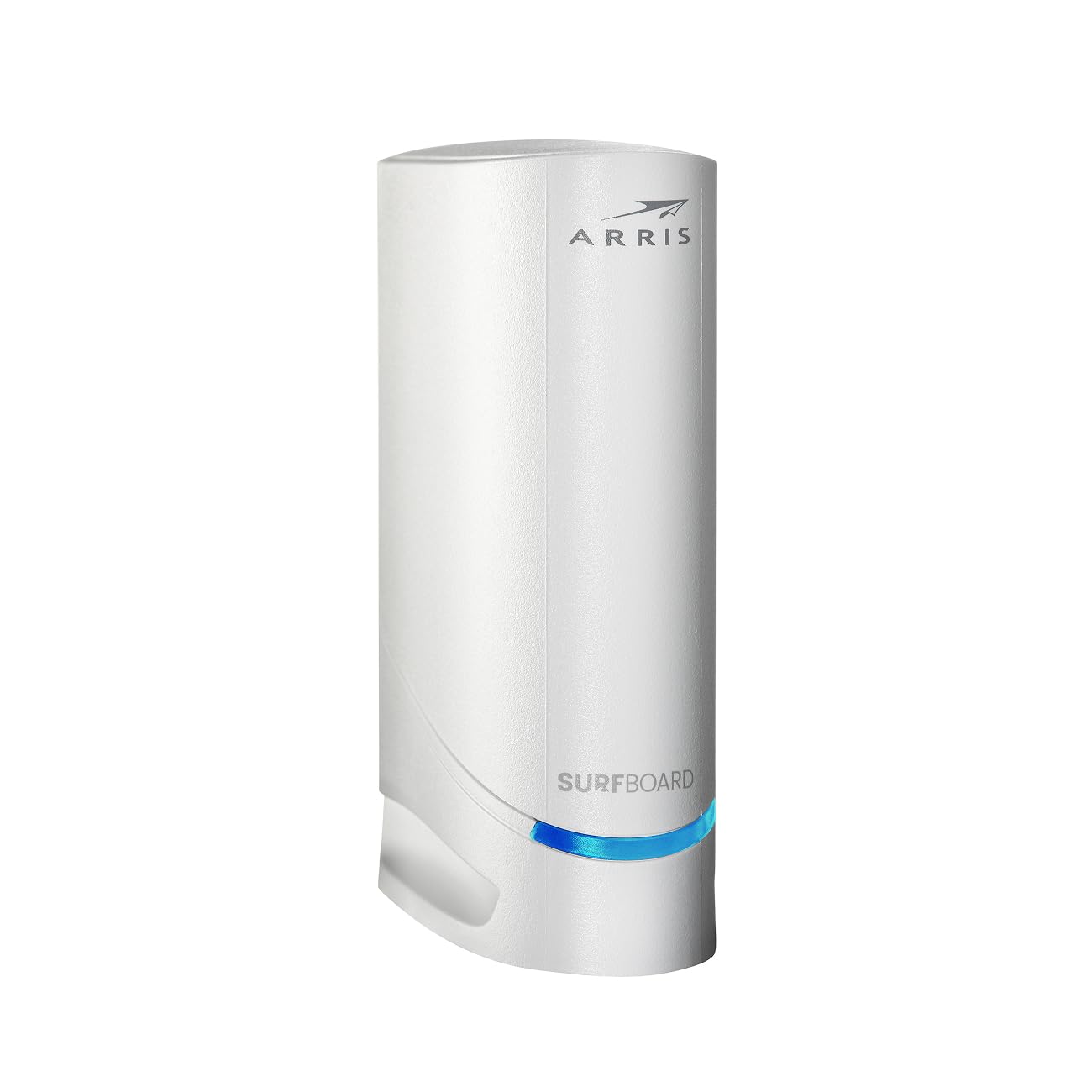
ARRIS SURFboard S34 Next Gen DOCSIS 3.1 cable modem
DOCSIS
3.1 Next-Gen
Ethernet
2.5G + 1G LAN
Upstream
Mid/High (85/204MHz)
Max Upload
Up to 200+ Mbps
Max Download
Up to 2.5 Gbps
Tier Status
Next Gen Certified
Pros
  • Certified for Xfinity Next Generation 100–200+ Mbps upload tier
  • Full 2.5 Gbps Ethernet port for overprovisioned downloads
  • Future-proof architecture for forthcoming DOCSIS mid-split rollouts
Cons
  • Higher upfront cost than S33
  • Runs slightly warmer under continuous multi-gigabit throughput
Check ARRIS S34 Price on AmazonAffiliate link directly to Amazon listing
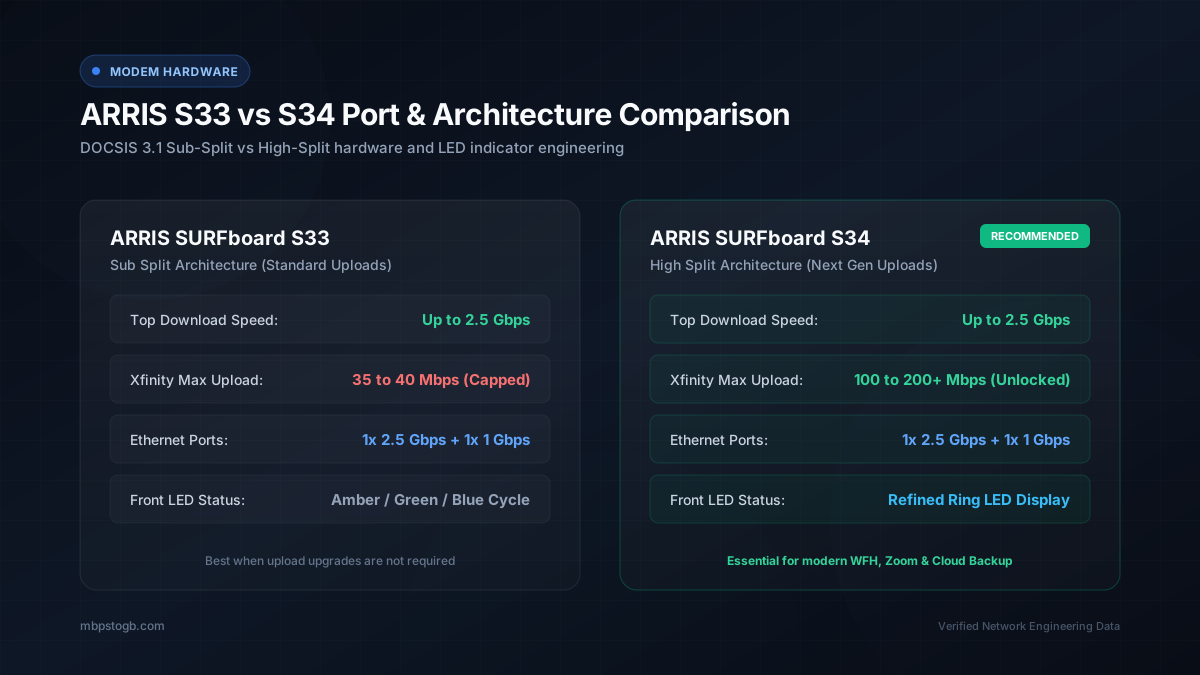
Technical architecture diagram comparing ARRIS S33 sub-split versus ARRIS S34 mid-split upstream frequency bands and physical rear ports
Hardware port architecture and upstream frequency filter comparison between ARRIS S33 and ARRIS S34 modems

How to Confirm Your Plan's Actual Upload Tier

Before you spend money on an S34, do not guess based on your download speed. Cable operators market their plans heavily around download speeds like "1 Gigabit," while hiding upload speeds in the fine print:

  1. Open your provider's mobile app or billing portal: Look for your tier's exact upload specification (e.g., "1000 Mbps Down / 35 Mbps Up" vs "1000 Mbps Down / 150 Mbps Up").
  2. If your upload is 35–40 Mbps: You are on a standard sub-split channel. Buying an S34 provides zero performance improvement until your local node is physically reconstructed. Buy the ARRIS S33.
  3. If your upload is 100–200 Mbps: Your node has been converted to mid-split. You must buy a Next-Gen certified modem like the ARRIS S34 to receive those speeds.
  4. Check your Ethernet cabling: To avoid network bottlenecks, ensure you connect the 2.5 Gbps port to your router using a certified Cat6 cable, as covered in our guide on the best cable for 1Gb Ethernet.

Frequently Asked Questions

Is the ARRIS S34 faster than the S33 for downloads?

No. Both modems feature an identical 2.5 Gbps Ethernet port and the exact same Broadcom DOCSIS 3.1 downstream processing silicon. On any 500 Mbps, 1,000 Mbps, or 1,200 Mbps download plan, both modems achieve identical downstream throughput.

Will the ARRIS S34 work if my cable provider has not upgraded to mid-split yet?

Yes. The S34 is backwards-compatible with standard sub-split cable architectures. If your local node has not been upgraded, the S34 will function normally at standard 35 to 40 Mbps upload speeds until your provider activates the higher upstream frequency bands.

Why does the ARRIS S34 cost more than the S33?

The S34 incorporates advanced mid-split and high-split diplexer filters capable of handling upstream frequencies up to 204 MHz, compared to the 42 MHz ceiling of the S33. This extra RF filtering silicon adds manufacturing cost but unlocks 100 to 200+ Mbps upload speeds on certified Next-Gen networks.

Which modem is better for online gaming?

Neither modem provides an inherent latency advantage for gaming. Online multiplayer gaming uses minimal upstream bandwidth (typically under 2 Mbps) and depends on low packet jitter and routing hops rather than raw upload capacity. Choose based on your overall plan tier rather than gaming.

Are both modems approved for Xfinity, Spectrum, and Cox?

Yes. Both the S33 and S34 appear on the official certified device lists for Xfinity, Spectrum, and Cox. However, only the S34 is certified on Xfinity's Next Generation Speed Tier for multi-hundred megabit uploads.

Related Hardware & Speed Guides