Local Online Gaming Data Usage
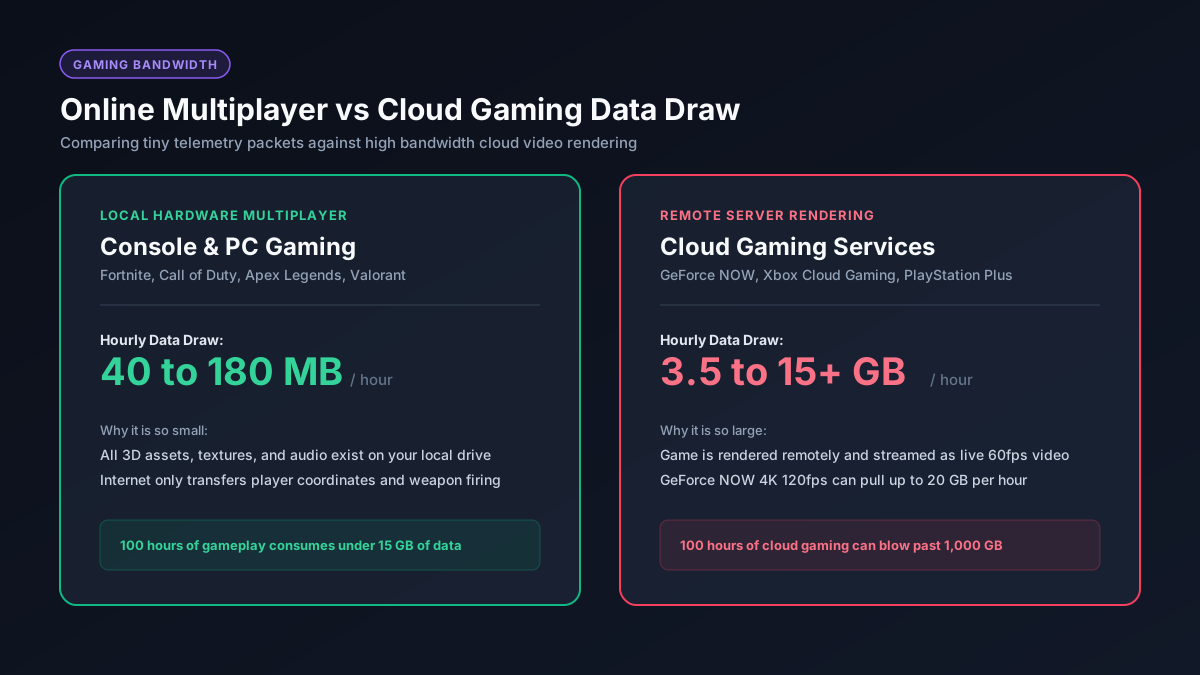
Local online gaming is light because the game itself — all the graphics, physics, and rendering — runs on your own hardware. Your internet connection is only carrying the data needed to keep you synced with other players and the game server, which is a tiny fraction of what a video stream requires.
| Game Type | Data Use per Hour |
|---|---|
| Competitive shooters (Call of Duty, Valorant, etc.) | ~40–100 MB |
| MMOs and open-world online games | ~50–150 MB |
| Racing/sports games with online multiplayer | ~50–200 MB |
| Games with voice chat enabled | add ~20–60 MB |
Cloud Gaming Data Usage (Xbox Cloud Gaming, GeForce NOW, PS Remote Play)
Cloud gaming streams the entire game to your screen as compressed video, the same way Netflix streams a movie — so its data usage scales with resolution and frame rate, not with how "competitive" or graphically simple the game is:
| Resolution / Tier | Approx. Data per Hour |
|---|---|
| 720p / 60fps | ~3–5 GB |
| 1080p / 60fps | ~6–12 GB |
| 1440p (where available) | ~9–14 GB |
| 4K / 120fps | ~18–22 GB |
Because cloud gaming is a live video stream, it's 20–40x heavier than local online play at the same resolution. A single 2-hour cloud gaming session at 1080p can use 12–24 GB — enough to meaningfully dent a capped home internet plan or burn through a mobile hotspot allowance in one sitting.
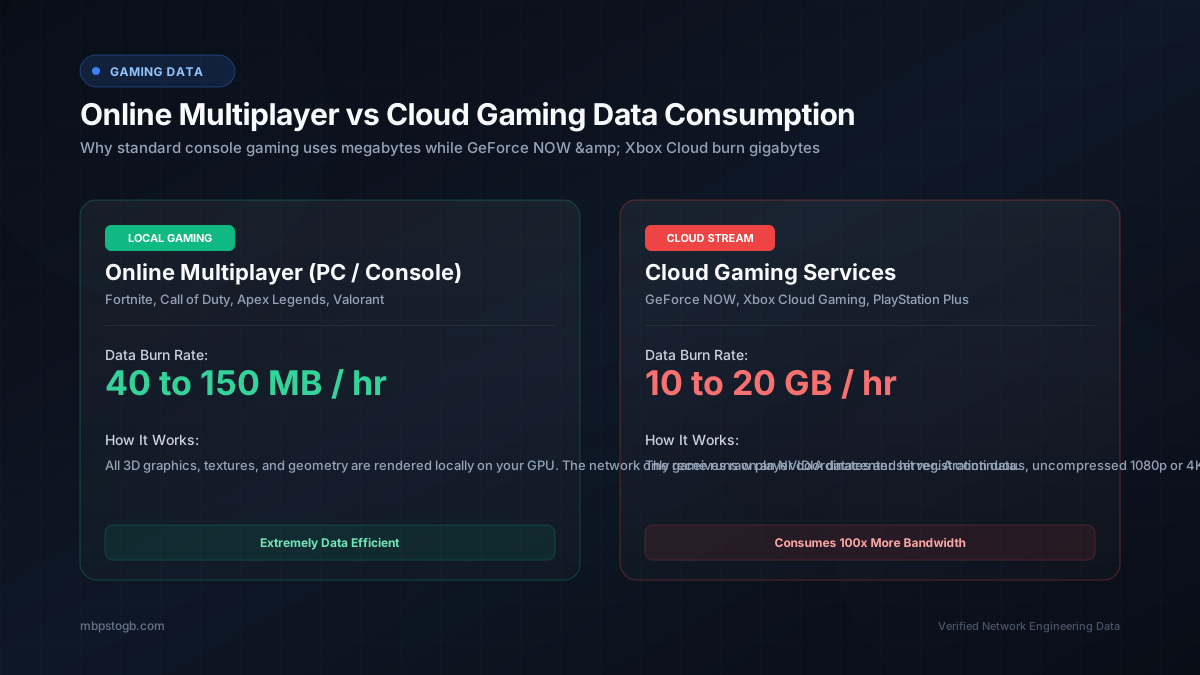
Local vs. Cloud Gaming Hourly Data Comparison
Local Play vs. Cloud Gaming: Which One Are You Doing?
- If the game is installed on your console, PC, or phone, and you're playing online multiplayer against other people — that's local play, and it's light on data (40–300 MB/hour).
- If you're playing through a service like Xbox Cloud Gaming, GeForce NOW, PlayStation Remote Play, or Amazon Luna, and the game isn't actually installed on your device — that's cloud gaming, and it behaves like video streaming (3–15+ GB/hour).
The Real Data Cost of Gaming: Downloads, Not Gameplay
For most gamers on local play, the biggest data cost isn't the hour-to-hour gameplay — it's installing and updating games. Modern AAA titles routinely run 50–150 GB, and seasonal updates for live-service games can add another 10–30 GB at a time. See our full download-time guide for how long those installs actually take at your connection speed — a single big update can use more data in one download than a month of actual online play.
How to Reduce Gaming Data Usage
- For cloud gaming: drop the stream resolution from 1080p to 720p in your service's settings — this roughly halves data use with a smaller visual trade-off than you'd expect on a phone or laptop screen.
- For local play: voice chat and party chat add a modest amount of data on top of gameplay — muting when not talking trims this slightly.
- For both: schedule game downloads and updates for Wi-Fi, and pause automatic updates on a metered connection so a 40 GB patch doesn't download itself in the background.
What Internet Speed Do You Need for Gaming?
- Local online play: as little as 3–6 Mbps is enough for most competitive games — latency (ping) matters far more than raw speed here.
- Cloud gaming: Microsoft recommends at least 20 Mbps for Xbox Cloud Gaming; GeForce NOW recommends 25–45 Mbps depending on tier.
See our 25 Mbps to GB conversion page for how much data that connection speed can move per hour — a useful gut-check if you're deciding whether your plan can handle cloud gaming comfortably.
Frequently Asked Questions
How much data does online gaming use per hour?
Local online multiplayer typically uses 40–300 MB per hour. Cloud gaming services like Xbox Cloud Gaming or GeForce NOW use 3–15+ GB per hour because they stream the game as live video.
Why does cloud gaming use so much more data than regular online gaming?
Because the game is rendered on a remote server and sent to you as a continuous video stream, rather than running on your own hardware — data usage scales with video resolution and frame rate, just like streaming a movie.
Does voice chat use a lot of extra data while gaming?
Not much — typically an additional 20–60 MB per hour on top of gameplay data.
What uses more data: playing a game online or downloading it?
For most players, downloading and updating games uses far more total data than actually playing them — a single large update can outweigh weeks of online play.
What internet speed do I need for cloud gaming?
Most cloud gaming services recommend at least 20–25 Mbps for a stable 1080p stream, with higher speeds needed for 4K tiers.