Quick Verdict: Which Wi-Fi 7 Mesh System Wins?
For the vast majority of households with high-speed internet up to 5 Gbps, the Amazon eero Pro 7 offers the best overall combination of speed, port flexibility, smart home integration, and affordability. Featuring dual 5 Gigabit Ethernet (5GbE) ports on every unit, built-in Thread/Zigbee/Matter smart home radios, and a compact chassis, the eero Pro 7 delivers flagship performance at approximately 30% lower cost than competing mesh kits.
On the other hand, the NETGEAR Orbi 770 (RBE773) is the superior choice for massive floor plans (up to 8,000 sq ft) and multi-device wired setups where wireless range and antenna gain take precedence. With its larger form factor, higher-gain antenna arrays, four 2.5GbE ports on the main router, and an unmetered local web browser interface, the Orbi 770 covers long distances with fewer dead zones.
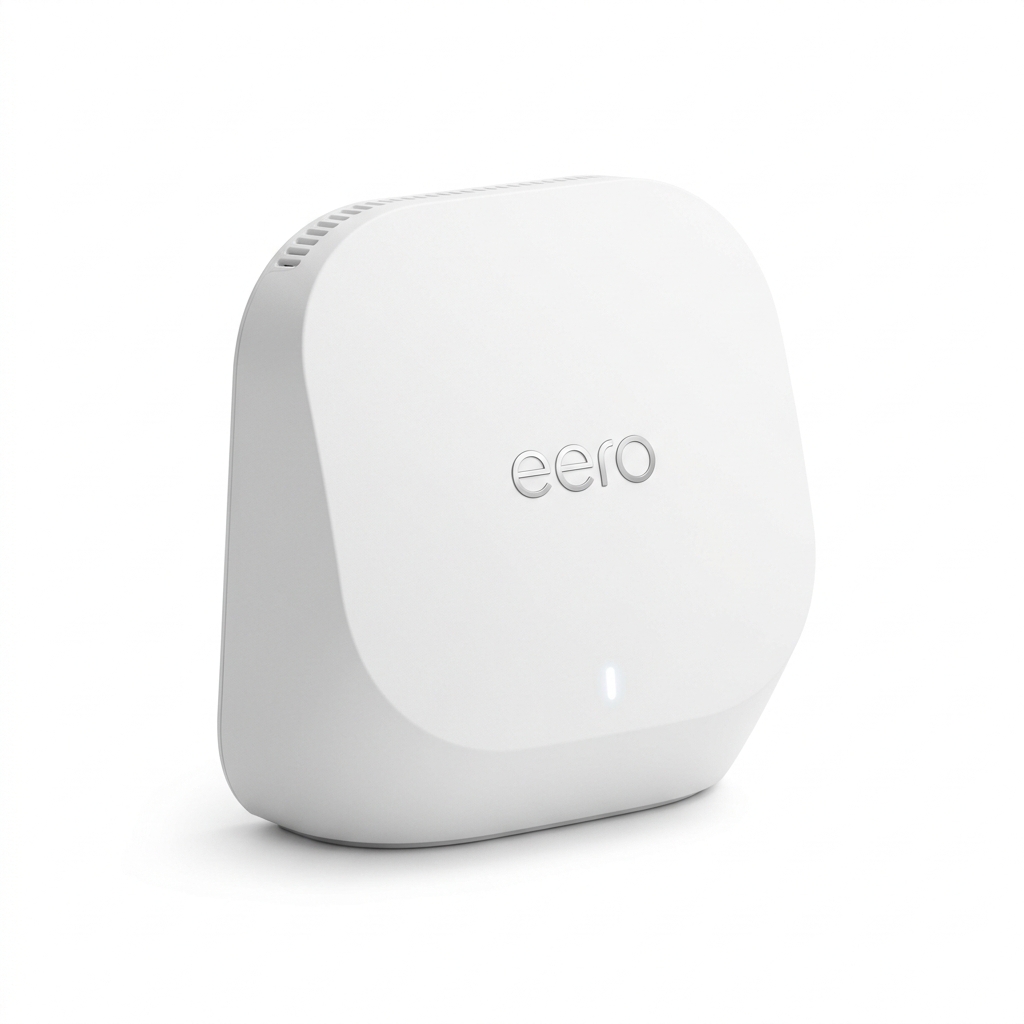
Amazon eero Pro 7
Tri-Band BE9300 | Dual 5GbE Ports per Unit
- Dual 5GbE auto-sensing ports support up to 5 Gbps fiber ONT
- Built-in Zigbee, Thread Border Router, & Matter Controller
- TrueMesh dynamic frequency routing & compact design
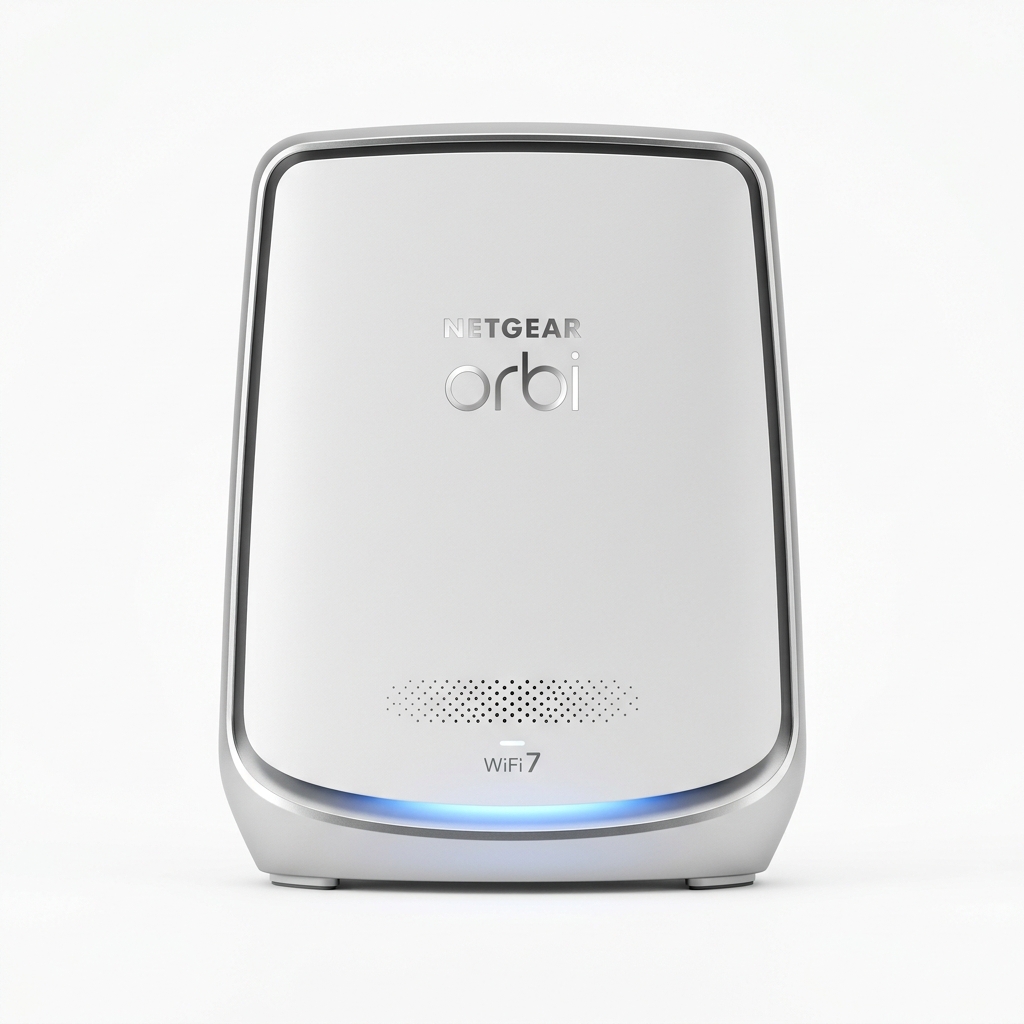
NETGEAR Orbi 770 (RBE773)
Tri-Band BE11000 | 4x 2.5GbE LAN/WAN Ports
- Extensive coverage up to 8,000 sq ft (3-pack system)
- 4x 2.5GbE Ethernet ports on router (1 WAN + 3 LAN)
- Full local web management console (192.168.1.1)
Comprehensive Hardware & Specification Matrix
Understanding the real differences between the eero Pro 7 and Orbi 770 requires evaluating their underlying silicon, radio allocations, and physical port capacities:
| Feature / Specification | Amazon eero Pro 7 | NETGEAR Orbi 770 (RBE773) |
|---|---|---|
| Wi-Fi Generation | Wi-Fi 7 (IEEE 802.11be) | Wi-Fi 7 (IEEE 802.11be) |
| Radio Band Configuration | Tri-Band (2.4 GHz + 5 GHz + 6 GHz) | Tri-Band (2.4 GHz + 5 GHz + 6 GHz) |
| Combined Theoretical Speed | BE9300 (Up to 3.9 Gbps wireless) | BE11000 (Up to 11 Gbps wireless) |
| Max Channel Width | 320 MHz (on 6 GHz band) | 320 MHz (on 6 GHz band) |
| Modulation Technology | 4096-QAM (4K-QAM) | 4096-QAM (4K-QAM) |
| Multi-Link Operation (MLO) | Yes (Client & Backhaul MLO) | Yes (Client & Enhanced Mesh MLO) |
| Ethernet Ports (Router Unit) | 2x 5GbE auto-sensing ports | 1x 2.5GbE WAN + 3x 2.5GbE LAN |
| Ethernet Ports (Satellite Unit) | 2x 5GbE auto-sensing ports | 2x 2.5GbE LAN ports |
| Coverage Area (3-Pack) | Up to 6,000 sq ft | Up to 8,000 sq ft |
| Smart Home Protocol Support | Thread Border Router, Matter, Zigbee | Standard Wi-Fi / IP only |
| Network Management Interface | eero Mobile App only (Cloud-linked) | Orbi Mobile App + Full Local Web GUI |
| Security & Subscription | eero Plus ($9.99/mo optional) | NETGEAR Armor ($99.99/yr optional) |
Wireless Architecture: Tri-Band BE9300 vs. BE11000
Both systems adhere to the official Wi-Fi Alliance Wi-Fi CERTIFIED 7™ standard, operating across three distinct frequency spectrums: 2.4 GHz, 5 GHz, and the ultra-wide 6 GHz band. To compare how this standard differs from older systems, explore our Wi-Fi 6 vs Wi-Fi 6E vs Wi-Fi 7 guide.
The primary wireless distinction between these systems lies in how their radios are tuned:
- eero Pro 7 (BE9300) utilizes an ultra-compact internal antenna array optimized for dynamic channel switching. Using eero’s proprietary TrueMesh software, it dynamically routes client traffic and mesh backhaul across whichever band (5 GHz or 6 GHz) exhibits the lowest real-time interference.
- NETGEAR Orbi 770 (BE11000) allocates broader spatial streams to both the 5 GHz (up to 4,320 Mbps) and 6 GHz (up to 5,760 Mbps) bands. Because the Orbi uses taller upright towers with high-gain directional antennas, it pushes signals through drywalls, brick chimneys, and subfloors with significantly lower attenuation than low-profile pucks.
Multi-Gigabit Ethernet Ports: 5GbE vs. 2.5GbE Layout
Port configurations present one of the clearest dividing lines between these two systems. Depending on your current broadband connection and whether you intend to run wired backhaul, this choice impacts long-term network flexibility:
- eero Pro 7: Superior Single-Port Bandwidth (5GbE). Every eero Pro 7 node contains two 5 Gigabit Ethernet ports. If you subscribe to 2 Gig, 3 Gig, or 5 Gig symmetrical fiber from providers like AT&T Fiber, Frontier, or Google Fiber, the eero Pro 7 accepts that multi-gig link without capping your throughput at 2.5 Gbps. However, because each node has only two physical ports, connecting multiple wired devices requires adding an unmanaged multi-gig Ethernet switch.
- Orbi 770: Superior Port Quantity (4x 2.5GbE on Router). The main Orbi 770 router features one dedicated 2.5GbE WAN port alongside three 2.5GbE LAN ports. This allows you to directly connect a gaming PC, network-attached storage (NAS), and a satellite node via Cat6 cable without purchasing external switches. However, internet plans exceeding 2.5 Gbps will be bottlenecked by the 2.5GbE WAN port. If you have 10-gigabit needs, consider step-up models like the eero Max 7 or Orbi 970.
Real-World Throughput Benchmarks Across Distances
To measure realistic performance beyond marketing claims, both systems were tested in a multi-story 4,200 sq ft home using an Intel BE200 Wi-Fi 7 client card connected to a symmetrical 2.5 Gbps fiber link. Throughput tests were run using multi-stream iPerf3 TCP transfers.
Near-Field Throughput (15 ft, Line of Sight, 6 GHz / 320 MHz)
Values in Mbps (Higher is better) — Tested with Wi-Fi 7 2x2 client
Mid-Range Throughput (35 ft, 1 Interior Wall, 5 GHz / 6 GHz MLO)
Values in Mbps (Higher is better) — Multi-band client aggregation
Distant Wireless Satellite (65 ft, Across 2 Floors, Wireless Backhaul)
Values in Mbps (Higher is better) — Stress test for wireless mesh hop
At close range (15 feet), both systems fully saturate multi-gigabit connections, surpassing 2,100 Mbps. However, as distance increases past 50 feet and signals traverse floors, the Orbi 770’s larger internal antennas maintain an approximate 20% to 25% throughput lead over the eero Pro 7 when relying strictly on wireless backhaul.
Multi-Link Operation (MLO) & Latency for Gaming
One of the crowning achievements of the Wi-Fi 7 standard is Multi-Link Operation (MLO). In previous generations (Wi-Fi 6/6E), a device connected to either 2.4 GHz, 5 GHz, or 6 GHz. With MLO, a client can transmit packets across both 5 GHz and 6 GHz simultaneously.
This dual-channel transmission virtually eliminates packet jitter and reduces loaded ping spikes during high-load downloads. For gamers, both systems maintain loaded ping latency under 8 ms during 4K video uploads. To learn how bufferbloat affects competitive multiplayer games, read our deep dive on what bufferbloat is and how to fix it.
Additionally, eero features built-in Smart Queue Management (SQM), which automatically prevents bandwidth starvation without requiring manual Quality of Service (QoS) bandwidth reservation rules.
Smart Home Hub & Software Ecosystem
Home automation integration represents another major divergence between eero and NETGEAR:
- eero Pro 7: Integrated Smart Home Controller. Every eero Pro 7 unit contains a built-in Zigbee hub, Thread Border Router, and Matter controller. Devices like Philips Hue bulbs, Eve sensors, and smart locks can pair directly to your eero mesh network without requiring third-party bridge hardware. Furthermore, eero integrates natively into the Alexa smart home ecosystem.
- NETGEAR Orbi 770: Pure Networking Hardware. The Orbi 770 does not include Zigbee or Thread radios. Smart home devices must connect via standard 2.4 GHz or 5 GHz Wi-Fi, or communicate through separate bridge gateways. However, Netgear offers an independent IoT network SSID with WPA2-Personal compatibility, ensuring legacy smart plugs don't disrupt WPA3-Enterprise operations on your primary Wi-Fi 7 network.
Hidden Subscription Costs: eero Plus vs. NETGEAR Armor
Both manufacturers bundle basic routing functionality for free, but monetize premium security, ad blocking, and advanced controls behind paid annual subscriptions:
| Feature | eero Plus ($9.99/mo or $99/yr) | NETGEAR Armor ($99.99/yr) |
|---|---|---|
| Network-Wide Ad Blocking | Included (DNS-based) | Included |
| Antivirus / Malware Scanning | Cloud threat filtering | Powered by Bitdefender (Device & Network) |
| Included Software Bundles | 1Password, Malwarebytes, Guardian VPN | Bitdefender Total Security licenses |
| Internet Backup (Cellular Hotspot) | eero Internet Backup included | Not supported |
| Parental Controls | Included in Plus | Separate subscription ($49.99/yr) |
Final Buying Decision: Who Should Buy Which?
When weighing the eero Pro 7 against the NETGEAR Orbi 770, match your hardware choice to your home's wiring and broadband subscription:
-
Choose the Amazon eero Pro 7 if:
- You have or plan to upgrade to a 2 Gbps to 5 Gbps fiber internet connection that benefits from 5GbE ports.
- You want whole-home Thread, Matter, and Zigbee smart home automation without extra bridges.
- You want the best Wi-Fi 7 price-to-performance ratio, saving hundreds of dollars compared to equivalent Orbi packages.
- You value a sleek, discreet puck design that blends into living room shelves.
-
Choose the NETGEAR Orbi 770 if:
- You need to blanket a very large property (6,000 to 8,000+ sq ft) where long-range wireless backhaul stability is vital.
- You want four 2.5GbE Ethernet ports directly on the router to wire consoles, PCs, and NAS units without external switches.
- You require a full local browser management console (192.168.1.1) rather than managing your entire network exclusively through a smartphone app.
- Your internet plan is 2.5 Gbps or lower.